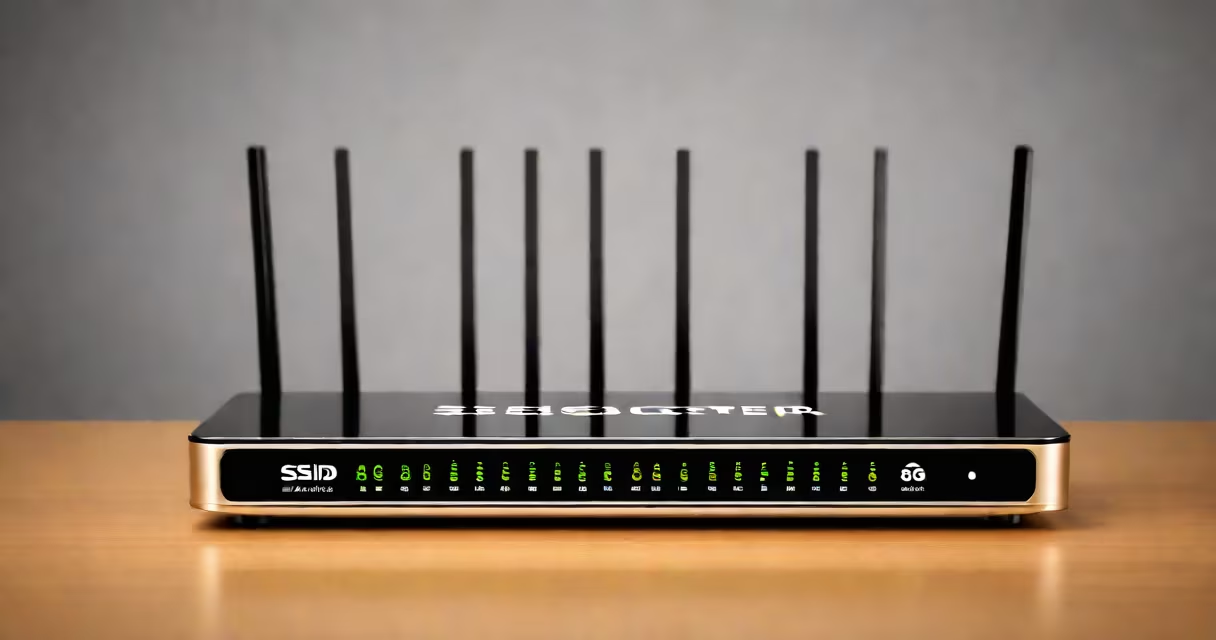
A router SSID number is the unique identifier assigned to a wireless network by the router's configuration. It appears as the network name when devices search for Wi-Fi access points. The term "SSID number" is a misnomer-SSIDs are strings, not numeric identifiers-but the phrase persists in user discussions.
When you connect to Wi-Fi, your device scans for available networks. Each network broadcasts its SSID, which is stored in the router's firmware and transmitted in beacon frames. Devices use this name to display options in their Wi-Fi menus. For example, a router set to broadcast "HomeWiFi_5G" sends that string to nearby devices.
Contrary to common belief, the SSID is not automatically assigned a number. Some routers display a numeric label in their admin interface (e.g., "SSID 1", "SSID 2") when managing multiple networks, but this is internal tracking, not part of the actual SSID string. The SSID itself remains a human-readable name, such as "SmithFamilyNetwork" or "OfficeGuest."
When a router broadcasts a signal, it includes the SSID in the 802.11 management frame. This frame travels at low power, typically within 30-50 meters indoors, depending on interference and hardware. Devices like laptops, phones, and smart speakers detect these signals and list them in the network selection menu.
For example, a TP-Link Archer AX50 router running on the 5 GHz band may broadcast the SSID "MyHomeNet_5G." A phone within range receives this packet, parses the SSID, and displays it as "MyHomeNet_5G" in the Wi-Fi settings. The user selects it, enters the password, and connects.
If the SSID is hidden (set to "not broadcast"), devices won't see it unless manually added. This adds a layer of obscurity but offers no real security-determined attackers can still discover hidden networks using tools like airodump-ng.
Most routers support multiple SSIDs through dual-band or multi-network features. Here's how they differ:
| Configuration Type | Use Case | Example SSID | Notes |
|---|---|---|---|
| Single Band (2.4 GHz) | Basic connectivity for older devices | LivingRoom_WiFi | Slower speeds, higher interference |
| Dual Band (2.4 GHz + 5 GHz) | Separate networks for speed and range | HomeNet_2.4G | Use different SSIDs to avoid auto-switching issues |
| Multiple SSIDs (Guest Network) | Isolate visitors from main network | Guest_Network | Can restrict bandwidth and access to local devices |
| Hidden SSID | Minimal privacy via obscurity | None (not broadcast) | Does not prevent discovery; not recommended for security |
Some routers allow assigning a number to each SSID in the admin panel (e.g., "SSID 1", "SSID 2"), but this is purely administrative. The actual SSID string remains unchanged. For example, in a Netgear R6700 router, you can define "SSID 1" as "MainNetwork" and "SSID 2" as "GuestAccess," but the numbers don't appear in the Wi-Fi list.
Many users assume the SSID number is a numeric ID tied to the router's MAC address or IP. This is incorrect. The SSID is a configurable string, not a system-generated number. You can name it anything-"FridgeWiFi," "WorkFromHome," even "I_love_pizza"-as long as it doesn't contain special characters like ;, ", or \.
Another myth: that changing the SSID number improves security. There is no such thing as an "SSID number" in the technical sense. Security relies on WPA3 encryption, strong passwords, and disabling remote administration-not on renaming the network.
I once configured a guest network for a small business using a MikroTik RB750Gr3. I set the SSID to "Guest_2024" and assigned it a VLAN. When guests connected, they couldn't access internal printers or shared folders. The network functioned correctly because the SSID was distinct and properly segmented. But when I changed the SSID to "Guest_2024_2," the router's web interface showed two entries under "Wireless Interfaces," confusing the IT staff. The issue wasn't the SSID-it was the lack of documentation.
Using "SSID number" as a synonym for network identifier leads to confusion. The correct term is simply "SSID." The IEEE 802.11 standard defines SSID as a 32-byte maximum string. It's not a number, not a code, and not a sequence. It's a name.
Some ISPs provide default SSIDs like "TP-Link_XXXX" or "Netgear_XXXX." These are not random-they're derived from the router's MAC address. For example, a TP-Link router with MAC 00:11:22:33:44:55 might have a default SSID of "TP-Link_334455." This is not a "number" but a pattern-based name.
When setting up a new network, avoid generic names like "Wi-Fi" or "Home." Instead, use descriptive names like "Smith_Home_5G" or "Apartment_Balcony_2.4G." This prevents connection errors when multiple networks exist in proximity.
Use clear, unique names. Avoid spaces and special characters. Stick to letters, numbers, and hyphens. For example, "Kitchen_Access_5G" is better than "kitchen wifi @ 5ghz!"
Set separate SSIDs for 2.4 GHz and 5 GHz bands. This prevents devices from switching between bands unexpectedly. A phone may prefer 5 GHz for speed but fall back to 2.4 GHz when signal weak. Clear naming helps users understand which network they're on.
Disable SSID broadcasting only if you need minimal visibility. Even then, use a strong password. According to the National Institute of Standards and Technology (NIST), hiding the SSID provides no meaningful protection against unauthorized access. It only reduces convenience for legitimate users.
Finally, avoid using personal information in the SSID. Names like "JohnsHouseWiFi" or "SarahsLaptopNetwork" can expose location and identity. Use neutral, generic names instead.
Understanding the router SSID number is less about numbers and more about clarity. The SSID is the name your devices see. Make it meaningful, secure, and consistent. For deeper insight into how we describe quantities and identities, explore the adjective of number concept.