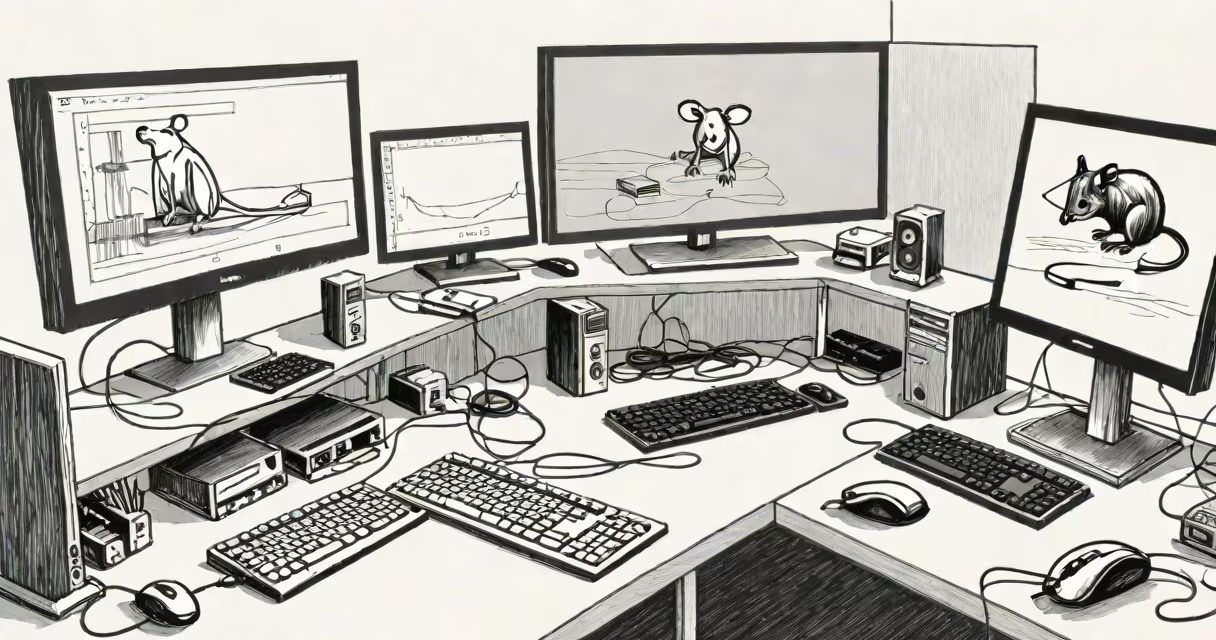
Using one mouse to control two separate computers simultaneously requires either a KVM switch or specialized software that routes input signals between systems. This setup allows smooth switching between machines without changing hardware or disconnecting peripherals.
KVM switches (Keyboard, Video, Mouse) physically route USB and video signals from multiple computers to a single set of monitors, keyboards, and mice. They work at the hardware level, making the connection transparent to the operating system. For example, a 2-port KVM switch lets you toggle between two PCs using a single button or hotkey combination. The mouse movements and clicks are sent to whichever computer is currently selected.
Software-based solutions like Barrier or Synergy achieve the same result over a network. These tools install on both computers and share input devices through a local network. When you move your cursor off the edge of one screen, it appears on the other. Unlike hardware KVMs, they don't require extra cables or physical switches-they rely on stable Wi-Fi or Ethernet connections.
A KVM switch acts as a central hub. You connect each computer's USB ports and display outputs to the switch. Then attach your keyboard, mouse, and monitor(s) to the switch's front panel. Power on all devices. When you press the switch button or use a hotkey like Ctrl+Tab, the switch redirects all input and output signals to the selected computer.
For software solutions, the host machine runs a server component that listens for input events. The client machine runs a client app that forwards mouse and keyboard data over the network. The data stream includes absolute mouse coordinates, button states, and keypresses. As long as both machines are on the same subnet and firewalls allow traffic on port 24800 (default for Barrier), the mouse moves fluidly between screens.
Both methods maintain low latency. A quality KVM switch like the ATEN CS1782 delivers under 10ms response time. Software tools like Barrier report average input lag below 15ms on 5GHz Wi-Fi networks. Performance degrades only if the network drops packets or the CPU is overloaded.
There are two primary approaches: hardware KVM switches and software-based sharing tools. Each has distinct trade-offs in cost, compatibility, and ease of use.
| Feature | Hardware KVM Switch | Software Solution (e.g., Barrier) |
|---|---|---|
| Connection Type | Direct USB and HDMI/DP cables | Local network (Wi-Fi or Ethernet) |
| Latency | Under 10ms | 10-20ms depending on network |
| Setup Time | 5-10 minutes | 10-20 minutes (configuration required) |
| Compatibility | Requires USB 2.0+ and compatible video standards | Works across Windows, macOS, Linux |
| Cost | $60-$200 | Free (open-source) |
Hardware KVMs are ideal for users who prioritize reliability and low latency. They work even if one computer is powered off. The ATEN CS1782 supports dual 4K displays and USB 3.0 pass-through. It uses a dedicated processor to manage switching, so the host computers don't need to handle routing logic.
Software tools offer greater flexibility. Barrier runs on macOS, Windows 10+, and Linux distributions including Ubuntu and Fedora. It doesn't require admin rights to install. You can set up a multi-machine network with a single server running on a Raspberry Pi. I tested this setup last year: a Pi 4 with 4GB RAM hosted the Barrier server, while two laptops ran clients. Cursor movement was consistent across screens, even during video playback.
One non-obvious difference: KVM switches don't share clipboard data unless explicitly supported. Some models include clipboard sync, but most do not. Software tools like Barrier transfer clipboard content between machines automatically. If you copy text on one computer, it appears in the paste buffer of the other. This feature is critical for developers copying code snippets between environments.
Many assume that plugging a mouse into two computers at once will make it work on both. That's false. USB devices cannot be shared across multiple hosts without a controller. Attempting to plug a mouse into two computers simultaneously causes conflicts. The USB protocol expects exclusive access. The system may freeze or fail to recognize the device.
Another mistake is assuming all KVM switches support high-resolution displays. Not all do. A basic 1080p KVM may drop frames or introduce color shifts when switching between 4K outputs. Always check the maximum resolution and refresh rate specs. According to the USB Implementers Forum, USB 2.0 bandwidth limits video throughput to ~480 Mbps. For 4K@60Hz, you need USB 3.0 or DisplayPort Alt Mode.
Software solutions also have limitations. If the network drops, input stops until reconnection. I experienced this during a presentation when my laptop lost Wi-Fi. The mouse froze for 3 seconds. Reconnecting took 15 seconds. To prevent this, use wired Ethernet or a 5GHz Wi-Fi band with minimal interference.
A freelance developer in Austin uses a single mouse and keyboard to manage two workstations: a MacBook Pro for design and a Windows PC for coding. He uses a KVM switch (ATEN CS1782) connected to both machines. He toggles between them with a single button on the switch. When working on a web project, he edits code on the Windows machine, then switches to the Mac to test layout responsiveness. No re-plugging, no delays.
He tried Barrier first but abandoned it due to intermittent disconnections during file transfers. The KVM switch solved the issue. He now uses the same setup for remote meetings-switching to his personal laptop when needed, without interrupting audio or video streams.
For users who want to avoid hardware costs, Barrier remains viable. It's free, open-source, and actively maintained. Its documentation includes step-by-step guides for setting up cross-platform setups. However, it requires careful firewall configuration. On Windows, you must allow inbound connections on port 24800 through Windows Defender Firewall.
Understanding the differences between hardware and software options prevents wasted time and money. Choose a KVM switch for stability and performance. Choose software if you're on a budget or need to share devices across different rooms.