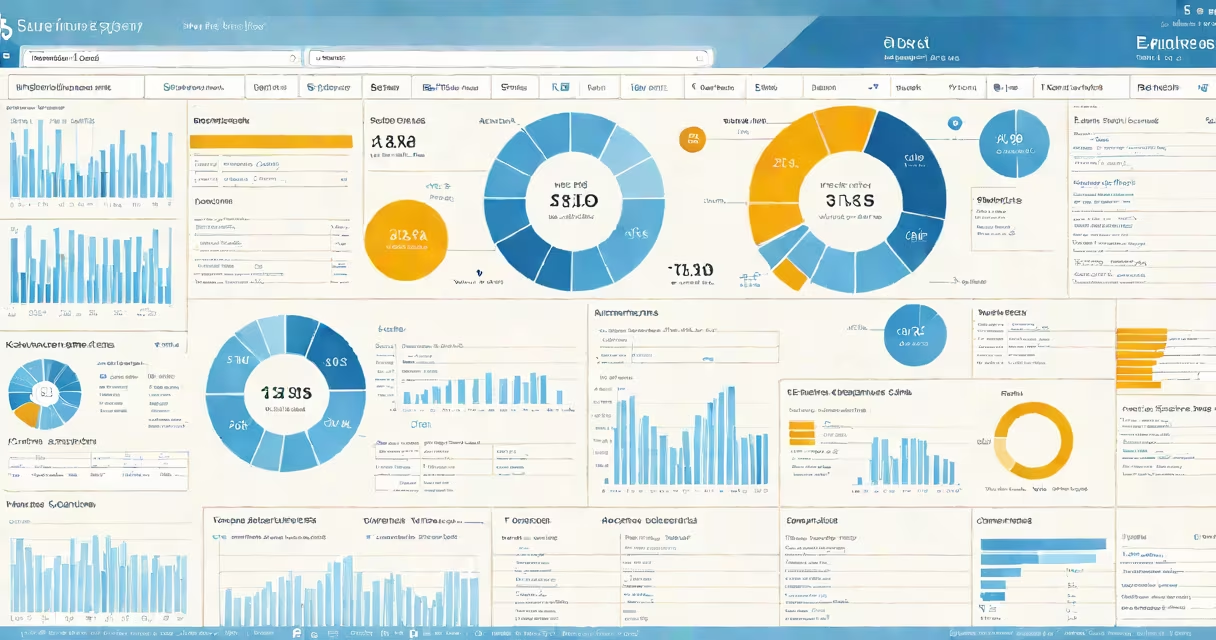
The SAP enterprise system is a unified software platform that integrates financial management, human resources, supply chain operations, and customer relationship processes across large organizations. It enables real-time data flow between departments, reducing manual work and improving decision-making accuracy.
SAP, founded in Germany in 1972, developed this system to replace fragmented legacy applications. Today, it runs in cloud and on-premise environments, serving over 400,000 customers globally, including Fortune 500 companies like Unilever, BMW, and L'Oréal. The system uses a centralized database and standardized business processes, ensuring consistency across locations and divisions.
At its core, the SAP enterprise system operates on a modular architecture. Each module handles a specific business function-such as FI (Finance), CO (Controlling), MM (Materials Management), or SD (Sales and Distribution)-and shares data through a common data model. This design allows changes in one area to automatically update related areas, minimizing errors and delays.
The SAP enterprise system processes transactions through a central database called the SAP HANA in-memory database. Unlike traditional databases that read data from disk, SAP HANA stores data in RAM, enabling near-instant analysis and reporting. For example, when a sales order is entered, the system instantly updates inventory levels, triggers shipping workflows, and adjusts financial records-all within seconds.
Users interact with the system via SAP Fiori, a role-based interface that displays only relevant tasks and dashboards. A warehouse manager sees stock levels and picking lists; a finance officer views cash flow forecasts and compliance reports. This reduces training time and prevents users from accessing unauthorized functions.
Integration happens through Application Programming Interfaces (APIs) and middleware tools like SAP PI/PO. These allow SAP systems to exchange data with external platforms such as Salesforce CRM or Microsoft Dynamics. A retail company using SAP for inventory and Salesforce for customer service can automatically update product availability when a sale occurs, preventing overselling.
The SAP enterprise system includes several major modules tailored to different business units:
| Module | Purpose | Real-World Example |
|---|---|---|
| FI (Financial Accounting) | Manages ledgers, accounts payable/receivable, and financial statements. | A multinational corporation generates quarterly financial reports in 15 minutes instead of days. |
| CO (Controlling) | Tracks costs by department, project, or product line. | A manufacturing plant identifies a 12% cost overrun in production line B and reallocates budget. |
| MM (Materials Management) | Handles procurement, inventory, and supplier contracts. | An electronics maker avoids stockouts during peak season by auto-reordering components based on demand forecasts. |
| SD (Sales and Distribution) | Processes orders, manages delivery schedules, and tracks customer billing. | A logistics firm reduces order-to-delivery time from 7 days to 36 hours using automated routing and tracking. |
These modules share data through a common master data structure. For instance, a new employee's details entered in the HR module automatically appear in payroll, benefits, and access control systems.
Many assume the SAP enterprise system is only for large enterprises. While it originated in industrial and manufacturing sectors, smaller businesses now adopt it through SAP S/4HANA Cloud, which offers scalable licensing and faster deployment. A regional food distributor with 200 employees implemented SAP for inventory and invoicing in under 90 days.
Another misconception is that SAP requires extensive customization. While customizations exist, SAP promotes standardization. According to SAP's own documentation, 80% of implementations use standard processes with minimal configuration. Over-customizing increases upgrade complexity and maintenance costs.
A less obvious point: SAP does not replace existing systems overnight. Most organizations run SAP alongside legacy software during a transition phase. For example, a hospital might keep its old patient billing system while gradually migrating to SAP Financials. Data mapping tools ensure accurate transfer of historical records.
In 2021, a European pharmaceutical company replaced five separate systems-HR, finance, R&D, distribution, and compliance-with a single SAP enterprise system. The project took 14 months and involved 120 staff members across 12 countries.
Before SAP, the company faced delays in regulatory reporting due to inconsistent data entry. After migration, the same report was generated in under 10 minutes. Inventory accuracy improved from 87% to 99.6%. The CFO reported a 22% reduction in month-end close time and a 30% decrease in audit findings.
One key factor in success was training. Instead of relying on manuals, the team used SAP Learning Hub with role-specific simulations. Employees practiced processing purchase orders, approving invoices, and generating compliance logs in a sandbox environment before going live.
The SAP enterprise system is not a standalone tool for accounting or inventory alone. It is not a CRM or a marketing automation platform. While it includes basic customer data management, advanced sales analytics require integration with dedicated tools like Salesforce or Adobe Marketo.
It is also not a substitute for business process redesign. Simply installing SAP does not fix inefficient workflows. A 2022 study by Gartner found that 45% of failed SAP implementations stemmed from poor change management, not technical issues. Organizations that mapped their current processes and aligned them with SAP best practices had a 70% higher success rate.
Finally, SAP is not a "set-and-forget" solution. Regular updates, security patches, and performance tuning are required. The system runs on a continuous improvement cycle, with SAP releasing new features every six weeks through its S/4HANA roadmap.
I observed a go-live event at a mid-sized automotive parts supplier where the SAP enterprise system went live across 18 sites. On Day 1, the finance team processed 300 invoices in two hours-previously, it took three days. But on Day 3, a data mismatch caused duplicate payments. The issue traced to a misconfigured vendor master record. Fixing it required coordination between IT, procurement, and accounting teams. The incident underscored that even well-planned implementations face real-world friction.
The SAP enterprise system is a complete, integrated platform that unifies financial, operational, and human resource functions across complex organizations. It supports real-time data sharing, standardized processes, and global scalability. When deployed correctly-with proper training, process alignment, and ongoing support-it delivers measurable gains in speed, accuracy, and compliance.
For ongoing guidance on managing your organization's IT infrastructure, explore how to maintain and scale your enterprise systems effectively.