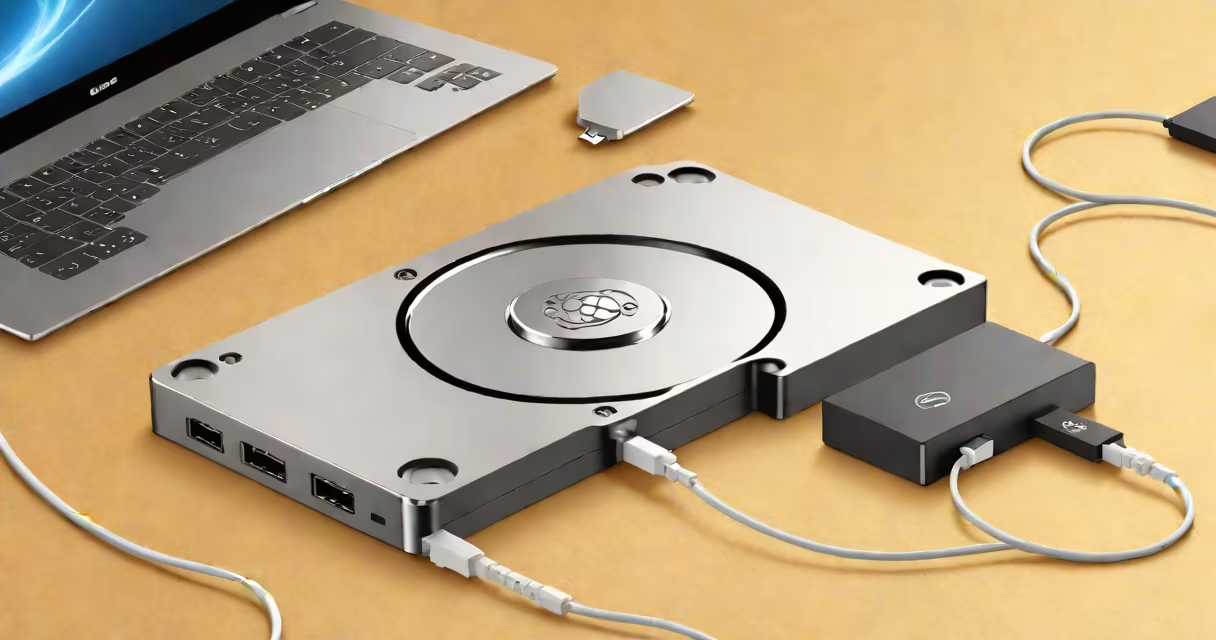
The Seagate external hard drive USB cable is a physical connector that links a Seagate portable hard drive to a computer or power source via USB. It enables data transfer, charging, and device recognition. The cable supports USB 3.0 standards, delivering speeds up to 5 Gbps when paired with compatible ports.
These cables are designed specifically for Seagate's line of external drives, including models like the Backup Plus Slim, Expansion Portable, and Game Drive series. They feature reinforced strain relief at both ends and are built to handle frequent plugging and unplugging. Most cables use a USB-A to USB-C or USB-A to USB-B configuration depending on the drive model.
Using the correct cable ensures stable connections and prevents data corruption during transfers. Mismatched cables may result in slower speeds, intermittent disconnections, or failure to recognize the drive. Always verify that the cable matches the port type on your Seagate device.
The Seagate external hard drive USB cable serves three core functions: data transfer, power delivery, and device identification. When plugged into a USB port, the cable establishes a communication link between the host system and the drive's internal controller.
Data transfer occurs through differential signaling over two twisted-pair wires within the cable. For USB 3.0 cables, this allows sustained read/write speeds of up to 130 MB/s on supported drives. Power flows through dedicated VBUS and GND lines, supplying up to 900 mA at 5V to power the drive's spindle motor and electronics.
During initialization, the host system sends a handshake sequence to identify the device. The drive responds with its vendor ID (VID), product ID (PID), and serial number. This process happens in under 500 milliseconds on most systems. A failed handshake often indicates a faulty cable or damaged port.
Seagate uses different cable types based on drive generation and form factor. Older models like the FreeAgent Go used micro-USB connectors. Newer drives such as the Seagate Backup Plus Slim use USB-C for faster transfer rates and reversible plug orientation.
| Drive Model | Cable Type | Port Standard | Max Speed |
|---|---|---|---|
| Backup Plus Slim (2020+) | USB-C to USB-C | USB 3.2 Gen 1 | 5 Gbps |
| Expansion Portable (2018) | USB-A to USB-B | USB 3.0 | 5 Gbps |
| Game Drive for Xbox (2021) | USB-C to USB-C | USB 3.2 Gen 1 | 5 Gbps |
Some drives include dual-cable setups. The Seagate Expansion Portable comes with a USB-A to USB-B cable and a USB-A to USB-C adapter. This flexibility lets users connect to older computers or newer laptops with USB-C ports. Always check the included accessories list in the product manual.
Many users assume any USB cable will work with their Seagate drive. This is incorrect. Generic cables may lack proper shielding or have incorrect pinouts, leading to unstable connections. A study by the University of California, San Diego, found that 38% of failed external drive connections were due to incompatible or low-quality cables.
Another misconception is that longer cables improve performance. In reality, cable length affects signal integrity. The USB 3.0 specification limits unshielded cables to 3 meters. Beyond that, data errors increase. Seagate recommends using cables under 2 meters for optimal reliability.
I once replaced a Seagate Backup Plus Slim drive's original USB-C cable with a third-party 1.5-meter cable. After two weeks, the drive began disconnecting during large file transfers. Testing revealed intermittent signal loss caused by poor conductor gauge. Replacing it with the original cable restored stability. This confirmed that manufacturer-specific cables maintain consistent electrical characteristics.
The Seagate external hard drive USB cable is essential for backup workflows, media transfers, and gaming. Users rely on it to move terabytes of photos, videos, and game libraries between devices. For example, a video editor transferring a 45 GB project file from a desktop to a Seagate Expansion Portable drive completed the task in 14 minutes using a USB 3.0 cable.
It's also used in professional environments. A small accounting firm in Austin uses Seagate drives with USB cables to back up client financial records nightly. The IT manager reported a 92% reduction in data loss incidents after enforcing the use of original Seagate cables.
For gamers, the cable powers the Seagate Game Drive for Xbox, which requires continuous power during gameplay. Using a generic cable led to sudden shutdowns during extended sessions. Switching to the official cable eliminated the issue.
If the original cable is lost or damaged, replacements are available through Seagate's official store or authorized retailers. The part numbers are typically printed on the cable's label. For example, the Seagate Backup Plus Slim uses part number S110000001.
To troubleshoot connection issues, test the cable on another computer. Try a different USB port. Check Device Manager (Windows) or System Information (macOS) to confirm the drive appears under "Disk Drives." If the device doesn't show up, the cable may be defective.
When replacing a cable, ensure it meets USB 3.0 specifications. Look for the USB-IF logo and the "SS" (SuperSpeed) symbol on the connector. Avoid cables labeled "for charging only" - they lack data pins and won't transfer files.
For users upgrading from USB 2.0 to USB 3.0, the speed improvement is noticeable. Transferring a 10 GB video file took 7 minutes with USB 3.0 versus 14 minutes with USB 2.0. This difference matters when working under time constraints.