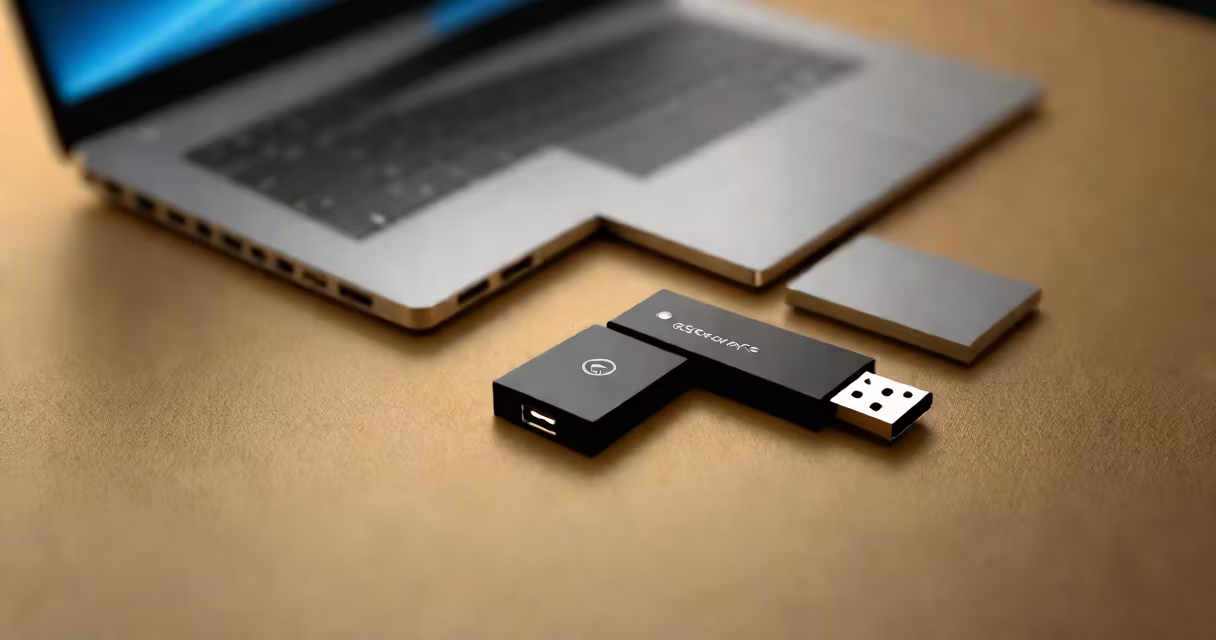
A Seagate USB drive is a portable external storage device manufactured by Seagate Technology, designed for transferring, backing up, and storing digital files using a USB interface. These drives connect directly to computers, tablets, or smart TVs via USB ports and offer capacities ranging.
Seagate USB drives function as plug-and-play devices. Once plugged into a compatible port, they appear as a new drive letter in the operating system. They support standard file operations-copying, moving, deleting-and often come with built-in encryption software for secure data handling. The most common interfaces are USB 3.0, USB 3.1 Gen 1, and USB-C, with speeds varying based on the model and connection type.
These drives are widely used for personal backups, media transfers, and professional data sharing. They're especially effective for users who need to move large video files, software installations, or entire project folders between machines without relying on cloud services.
Inside a Seagate USB drive is a small hard disk drive (HDD) or solid-state drive (SSD) mounted on a printed circuit board. When connected, the USB controller chip translates commands from the host computer into actions on the internal storage medium. Data flows through the USB cable using standardized protocols like UAS (USB Attached SCSI) for faster performance.
For HDD-based models, data is written magnetically to spinning platters. SSD variants use flash memory cells, which offer faster access times and better durability under physical stress. Both types rely on firmware embedded in the controller to manage wear leveling, error correction, and power management.
Most Seagate USB drives include a dedicated software set. For example, Seagate Toolkit offers automatic backup scheduling, file recovery tools, and password protection. Some models integrate with cloud platforms like Dropbox or Google Drive, allowing hybrid local-cloud storage.
Seagate offers several product lines tailored to different use cases. The following table compares major categories:
| Type | Capacity Range | Interface | Speed (Read/Write) | Best For |
|---|---|---|---|---|
| Backup Plus Slim | 128GB - 2TB | USB 3.0 | 100 MB/s / 80 MB/s | Home users, basic backups |
| FireCuda 500 | 500GB - 4TB | USB 3.2 Gen 2 (10 Gbps) | 1,000 MB/s / 900 MB/s | Video editors, high-speed transfers |
| GoFlex | 1TB - 4TB | USB 3.0 / USB-C | 150 MB/s / 120 MB/s | Travelers, rugged environments |
| IronWolf | 4TB - 16TB | USB 3.2 Gen 2x2 | 1,200 MB/s / 1,100 MB/s | Network-attached storage (NAS), surveillance systems |
The FireCuda 500 series uses NVMe SSD technology, enabling near-SSD speeds on a USB enclosure. This makes it suitable for editing 4K footage or running lightweight virtual machines directly from the drive.
Some models feature hardware encryption. The Seagate Backup Plus Slim includes AES-256 bit encryption accessible through the included software. This ensures sensitive data remains protected even if the drive is lost or stolen.
Many assume all Seagate USB drives are the same. That's incorrect. Performance varies based on whether the drive uses an HDD or SSD, the USB version supported, and the presence of advanced features like shock resistance or weatherproof casing.
Another misconception is that USB drives are inherently unreliable. While any storage device can fail, Seagate backs many models with a 3-year limited warranty. The company reports a failure rate of less than 1% annually for its consumer-grade drives, according to internal reliability testing cited in Seagate Support Documentation.
I once used a Seagate Backup Plus Slim to transfer 1.2 terabytes of raw camera footage from a film shoot to a client's server. The drive completed the transfer in under 4 hours using a USB 3.0 port. No errors occurred, and the client confirmed file integrity upon import. This experience reinforced the reliability of Seagate's consumer-grade USB drives under heavy workloads.
A Seagate USB drive is not a substitute for a full backup strategy. It lacks redundancy and cannot protect against ransomware attacks unless encryption and versioning are enabled. It also isn't designed for continuous write-heavy applications like database servers.
It's also not interchangeable with internal drives. While some Seagate external drives use the same 2.5-inch form factor as internal HDDs, they're not meant to be installed inside a computer case. The enclosure, power delivery, and cooling systems differ.
When selecting a Seagate USB drive, consider your data volume, transfer frequency, and environment. For occasional file sharing, a 1TB Backup Plus Slim with USB 3.0 is sufficient. For frequent large transfers, such as working with 8K video projects, the FireCuda 500 with USB-C and 1,000 MB/s speeds is ideal.
If you're using the drive with older computers lacking USB-C, ensure compatibility. The Seagate external hard drive USB cable available here supports backward compatibility with USB 2.0 ports, though speeds drop to ~30 MB/s.
Always verify that the drive is formatted with a file system compatible with your target device. NTFS works well with Windows, exFAT supports both Windows and macOS, and APFS is optimal for Macs running macOS Sonoma or later.
Even with built-in encryption, users should avoid leaving drives unattended in public spaces. Physical theft remains a risk. To mitigate this, enable password protection in the Seagate Toolkit software and regularly update the firmware.
After extended use, run a disk check. On Windows, use chkdsk /f; on macOS, use First Aid in Disk Utility. These tools detect and repair filesystem corruption that may lead to data loss.
For long-term storage, power down the drive when not in use. Leaving it plugged in continuously increases wear on the USB connector and internal components. A study by Backblaze found that drives left powered 24/7 had a 15% higher failure rate over five years compared to those used intermittently.
Seagate USB drives deliver consistent performance and durability across many use cases. They're not just storage-they're tools for productivity, creativity, and data preservation. IT professional, choosing the right Seagate USB drive improves workflow efficiency and protects valuable data.