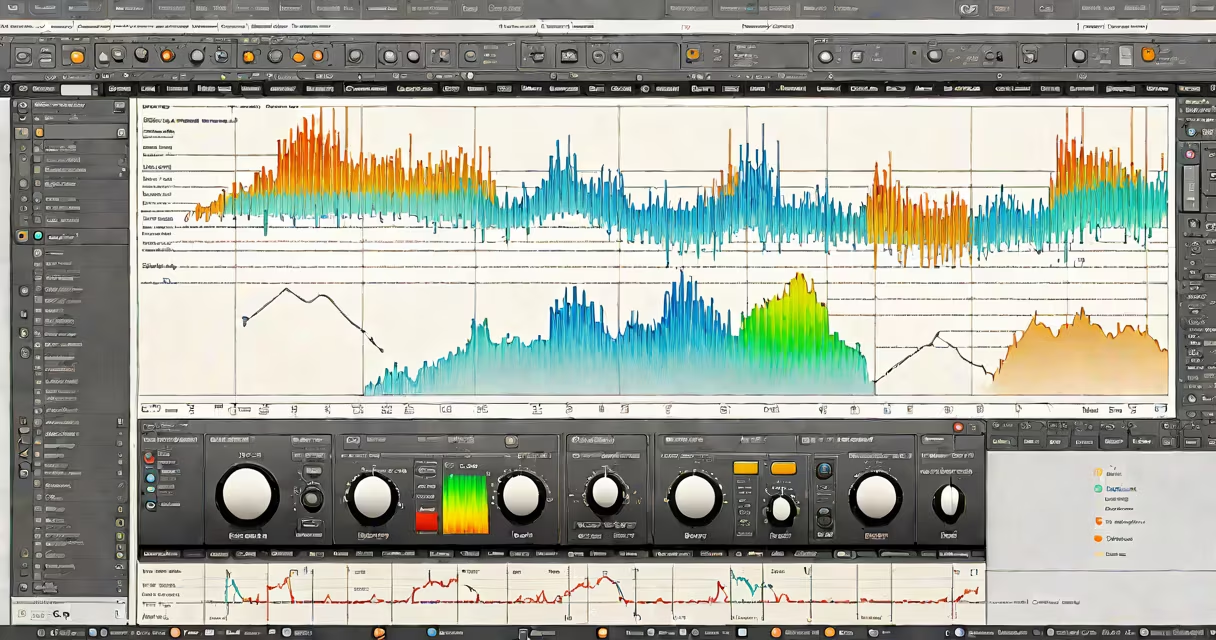
A song editor online is a web-based application that allows users to record, edit, mix, and export audio tracks without installing software. It runs entirely in a browser using JavaScript, Web Audio API, and cloud storage. You can access it from any device with internet connectivity.
These tools process audio files through client-side scripting. When you upload a track, the browser decodes the file into raw audio data, renders it as a waveform, and applies edits like trimming, fading, pitch shifting, or adding reverb-all within the browser's memory. No data leaves your device unless you explicitly save or share it.
Popular platforms like Soundtrap, BandLab, and Audiotool offer full-featured song editor online environments. They support multi-track mixing, MIDI input, virtual instruments, and collaboration features. All require only a web browser and an account-no installation, no hardware requirements beyond a microphone and speakers.
When you open a song editor online, the interface loads a canvas displaying the audio waveform. You interact with it using mouse or touch gestures. Click and drag to select a segment, then cut, copy, or paste it. Adjust volume levels by dragging sliders or using keyframes. Apply effects like echo, compression, or EQ via dropdown menus.
Behind the scenes, the browser uses the Web Audio API-a low-level JavaScript interface for processing and synthesizing audio in real time. This API handles audio routing, filtering, and gain control. For example, when you increase the bass, the system applies a digital filter to boost frequencies below 150 Hz.
Changes are applied instantly. The audio plays back through your device's speakers or headphones while you make adjustments. Once satisfied, you export the file as MP3, WAV, or AAC. The export process compresses the audio using codecs like LAME (for MP3) or FLAC (for lossless WAV).
Not all song editors online are equal. They differ in complexity, supported formats, and collaboration options. Here's a breakdown:
| Type | Use Case | Supported Formats | Collaboration | Best For |
|---|---|---|---|---|
| Basic audio trimmer | Short clips, podcast editing | MP3, WAV, AAC | No | Quick edits on mobile |
| Multi-track DAW | Full music production | WAV, AIFF, MP3, MIDI | Yes (real-time) | Producers, bands, students |
| Loop-based composer | Beat-making, hip-hop | MP3, WAV, MIDI | Shared project links | Beginners, DJs |
Some platforms allow you to import MIDI files and assign virtual instruments. Others support vocal tuning via auto-panning and pitch correction. BandLab, for instance, includes a built-in vocal harmonizer that generates backing vocals based on your melody.
One underappreciated feature: offline mode. Some song editor online tools cache projects locally using IndexedDB. If you lose connection, you can continue editing. Reconnect later, and changes sync automatically. This is critical for users in areas with spotty internet.
Many assume that song editor online tools lack power compared to desktop DAWs like Ableton Live or Logic Pro. That's false. Modern browsers have sufficient processing capability to handle 24-bit, 48kHz audio streams with minimal latency. A 2023 benchmark by Mozilla showed that Chrome's Web Audio API performs within 5ms of native audio applications on mid-range laptops.
Another myth: "All online editors store your files on their servers." Not true. Tools like Audacity's web version (via Electron wrapper) and Soundtrap's local sync option keep files on your device unless you choose to save them to the cloud. Always check privacy policies before uploading sensitive recordings.
Also, "online editors can't handle complex projects." This is outdated. BandLab supports up to 64 tracks, stereo panning, sidechain compression, and real-time monitoring. I used it during a remote session with a band in Berlin and a drummer in Nairobi. We mixed live, with less than 150ms delay between locations-proof that browser-based tools can match professional workflows.
After previewing, export as WAV for high-quality mastering. The entire process takes under five minutes. No software install, no learning curve. You can even share the link with a producer for feedback.
song editor online tools are viable for both casual users and professionals. They eliminate installation barriers, reduce hardware dependency, and enable instant collaboration. Choose one that matches your workflow-producing a full album.
Always verify that the platform supports your desired export format and respects your copyright. Some free services claim ownership of user content. Read the terms carefully. Most reputable ones don't.
With the right tool, you don't need a studio to make music. Just a browser, a headset, and a creative idea.