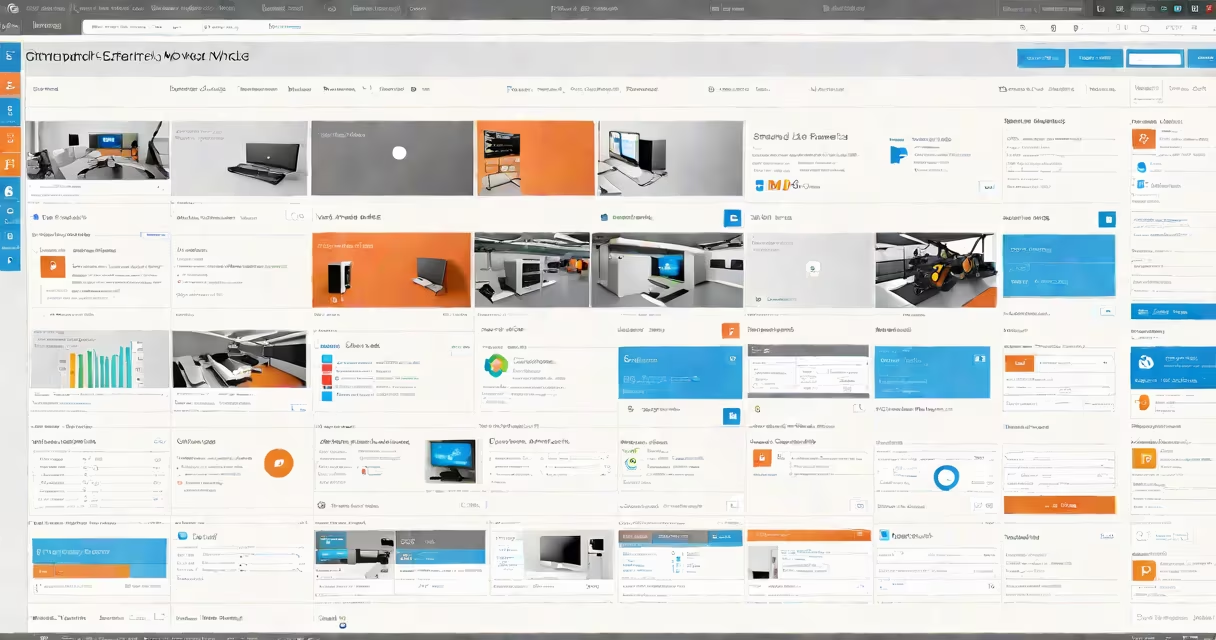
SharePoint web parts are modular, reusable components that display changing content or provide interactive features on SharePoint pages. They enable users to build customized, data-rich pages without writing code.
Each web part serves a specific purpose-showing documents, embedding calendars, displaying lists, or integrating external tools. They appear in the page editor as draggable tiles, allowing users to arrange them visually.
Web parts are central to SharePoint's ability to deliver personalized dashboards, team sites, and intranet portals. They function within the SharePoint structure and can be configured through a settings panel.
When a user opens a SharePoint page, the browser loads the page structure and renders each web part based on its configuration and data source. Web parts communicate with SharePoint's backend services via REST APIs or server-side rendering.
For example, a document library web part pulls files from a specified list and displays them in a grid. The user can filter results, sort by date, or change view modes-all without touching code. This behavior is driven by predefined logic embedded in the web part itself.
Web parts can also interact with each other. A calendar web part might update a task list web part when a new event is added. These interactions happen through shared data models and event triggers managed by SharePoint's client-side rendering engine.
SharePoint includes several built-in web parts. The most common fall into these categories:
| Type | Purpose | Example Use Case |
|---|---|---|
| Content | Displays static or changing text, images, or media | Embedding a company mission statement or video |
| List | Shows data from SharePoint lists or libraries | Displaying a project tracker or employee directory |
| Media | Plays audio, video, or slideshows | Showing training videos in an e learning web environment |
| Integration | Connects to external systems like Power BI or Microsoft Teams | Embedding a live sales dashboard from Power BI |
Developers can also create custom web parts using the SharePoint Structure (SPFx), which supports modern JavaScript frameworks like React. These allow advanced functionality such as real-time collaboration, AI-powered search, or custom forms.
A key distinction: not all web parts are editable. Some are read-only, especially those pulled from external sources. Others require permissions to modify settings or data sources.
SharePoint web parts are standard in enterprise environments. Organizations use them to build internal portals, project hubs, HR dashboards, and customer service centers.
For example, a global company uses a combination of web parts to create a unified onboarding portal. The site includes a welcome message web part, a calendar web part for orientation dates, a document library web part for training materials, and a feedback form web part. All are configured by HR staff with no developer involvement.
According to Microsoft's official documentation, web parts are designed to support low-code customization. The SharePoint Structure documentation confirms that developers can extend core functionality using TypeScript and React, enabling complex, responsive interfaces.
One non-obvious fact: web parts are not limited to SharePoint Online. They work in on-premises SharePoint Server 2019 and later, though deployment methods differ. On-premises installations require manual solution packaging and deployment via Central Administration.
Many users mistake web parts for web templates or site pages. A web part is a component; a page is a container. You place web parts inside pages, not the other way around.
Another misconception: all web parts are visual. While most are UI elements, some are invisible-like a workflow trigger web part that runs behind the scenes when a form is submitted. These don't render on screen but affect data flow.
Also, web parts aren't the same as SharePoint apps. Apps are standalone applications that run in a separate context. Web parts are embedded directly into pages and inherit the page's security context.
I once built a custom web part for a client that displayed real-time inventory levels from an ERP system. Using SPFx and a REST call to the company's API, it updated every 60 seconds. The client used it on their operations dashboard. The web part didn't require a separate login-it used the user's existing SharePoint permissions.
To add a web part, go to a SharePoint page in edit mode. Click "+" to open the web part picker. Search for the desired component-like "Document Library" or "Power BI".
After adding, click the gear icon to configure settings. You can change the title, filter data, or adjust layout. Save changes to publish the update.
For advanced users, creating a custom web part requires Node.js, Yeoman generator, and the SPFx toolkit. The process involves scaffolding a project, coding in TypeScript, and deploying via a package file.
Microsoft provides detailed guides on how to build web parts. The structure enforces security policies, including sandboxed execution and permission checks, to prevent malicious scripts.
Understanding what are SharePoint web parts begins with recognizing them as both building blocks and functional units. They combine simplicity for end-users with extensibility for developers.
When used correctly, they turn generic SharePoint sites into useful, role-specific workspaces. Whether managing projects, sharing resources, or delivering training, web parts make SharePoint adaptable to real-world workflows.