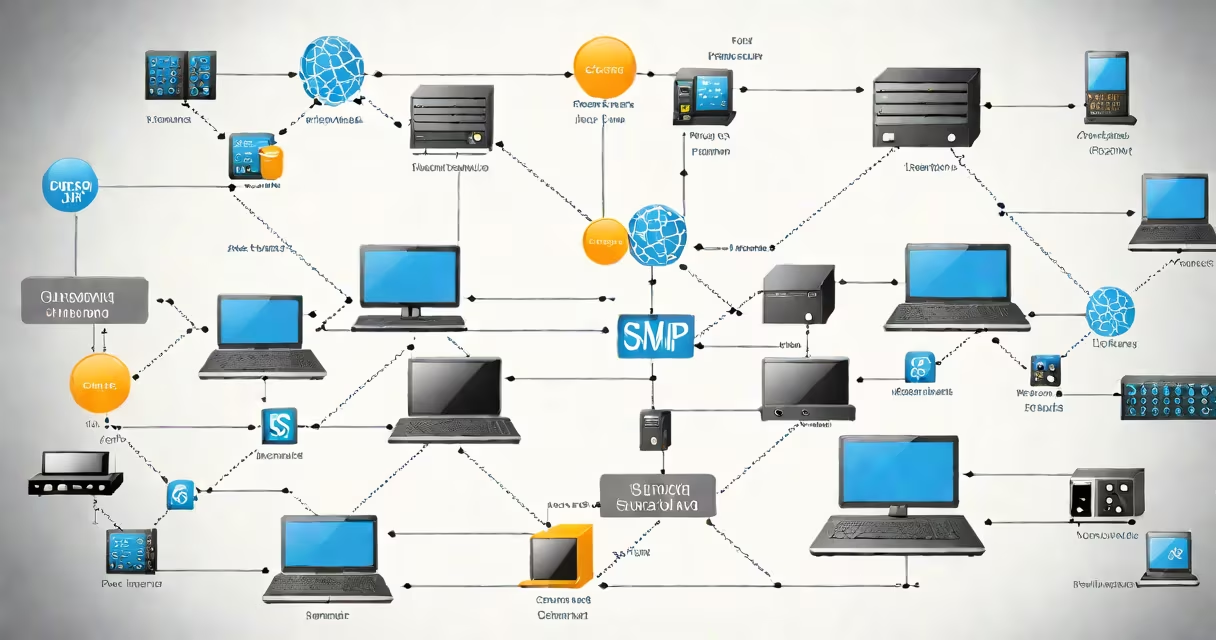
SNMP stands for Simple Network Management Protocol. It is a standard protocol used to monitor and manage network devices such as routers, switches, servers, and printers across IP networks.
SNMP enables network administrators to collect performance data, detect issues, and configure devices remotely. It operates over UDP and uses a client-server model where a central management system (the SNMP manager) queries network devices (SNMP agents) for status information.
The protocol was first defined in 1988 by the Internet Engineering Task Force (IETF) and remains widely deployed due to its lightweight design and broad device support. It is foundational in enterprise network operations and is included in nearly all modern networking hardware.
SNMP functions through a polling mechanism. The manager sends requests to agents running on managed devices. Agents respond with data stored in a Management Information Base (MIB), a hierarchical database of device attributes.
For example, an SNMP manager might request the current CPU usage of a router. The router's agent checks its internal MIB, finds the value for the "cpuUsage" OID (Object Identifier), and returns it. This exchange happens quickly and requires minimal bandwidth.
SNMP supports three message types: Get (request data), Set (change configuration), and Trap (unsolicited alert). Traps allow agents to notify managers of critical events like interface failures or high memory usage without waiting for a poll.
SNMP relies on four core elements: the manager, the agent, the MIB, and the protocol itself. The manager runs on a centralized system-often a network monitoring tool like Zabbix or SolarWinds. The agent runs on each monitored device and maintains local state.
The MIB organizes device data using OIDs. For instance, the OID .1.3.6.1.2.1.1.5.0 refers to the system name of a device. These identifiers follow a standardized tree structure maintained by the IETF and ISO/IEC.
SNMP has evolved through three versions: SNMPv1, SNMPv2c, and SNMPv3. SNMPv1 and v2c lack encryption and rely on community strings for authentication. SNMPv3 adds strong security features including encryption, authentication, and access control.
| Version | Security | Authentication | Encryption | Use Case |
|---|---|---|---|---|
| SNMPv1 | None | Community string (plaintext) | No | Legacy systems only |
| SNMPv2c | Minimal | Community string (plaintext) | No | Common in older enterprise networks |
| SNMPv3 | High | Username/password + cryptographic hashing | Yes (AES, DES) | Recommended for production environments |
Despite its name, SNMPv3 is not backward compatible with earlier versions in secure mode. Devices must be explicitly configured to support it. Many organizations still use SNMPv2c due to legacy device constraints, but this creates security risks.
SNMP is used in nearly every enterprise and service provider network. It powers tools that track bandwidth utilization, uptime, error rates, and temperature readings across thousands of devices.
A large ISP might deploy SNMP to monitor 10,000+ edge routers. Each router reports interface errors every 15 seconds. When the error rate exceeds 1%, the monitoring system triggers an alert. This allows engineers to identify failing hardware before service degrades.
SNMP is also used in data centers to track server health. A single rack of 48 servers may generate 10,000 SNMP queries per minute during normal operation. The low overhead makes it ideal for continuous monitoring.
Many assume SNMP is inherently insecure because early versions used plaintext community strings. While this is true for SNMPv1 and v2c, SNMPv3 resolves these flaws with modern cryptography. Using SNMPv3 in a properly configured environment is secure enough for regulated industries.
Another misconception is that SNMP replaces other protocols like ICMP or NetFlow. It does not. SNMP collects discrete metrics, while ICMP tests reachability and NetFlow tracks traffic flows. They serve different purposes and are often used together.
Some believe SNMP requires complex setup. In practice, enabling SNMP on most modern devices takes fewer than five steps. On a Cisco switch, for example:
snmp-server community public RO to set read-only access.snmp-server enable.show snmp.This configuration allows a manager to retrieve interface statistics without altering device behavior.
I once debugged a network outage at a university campus where 200 access points dropped off the network simultaneously. Initial logs showed no errors. Using SNMP, I pulled temperature and CPU data from each AP. One AP reported a CPU spike to 98% and a temperature of 82°C. Replacing the faulty unit restored connectivity. Without SNMP, diagnosing the issue would have taken days.
Understanding what SNMP stands for is the first step. The protocol's real value lies in its ability to provide actionable insight from network infrastructure. It remains a core component of network visibility and operational reliability.