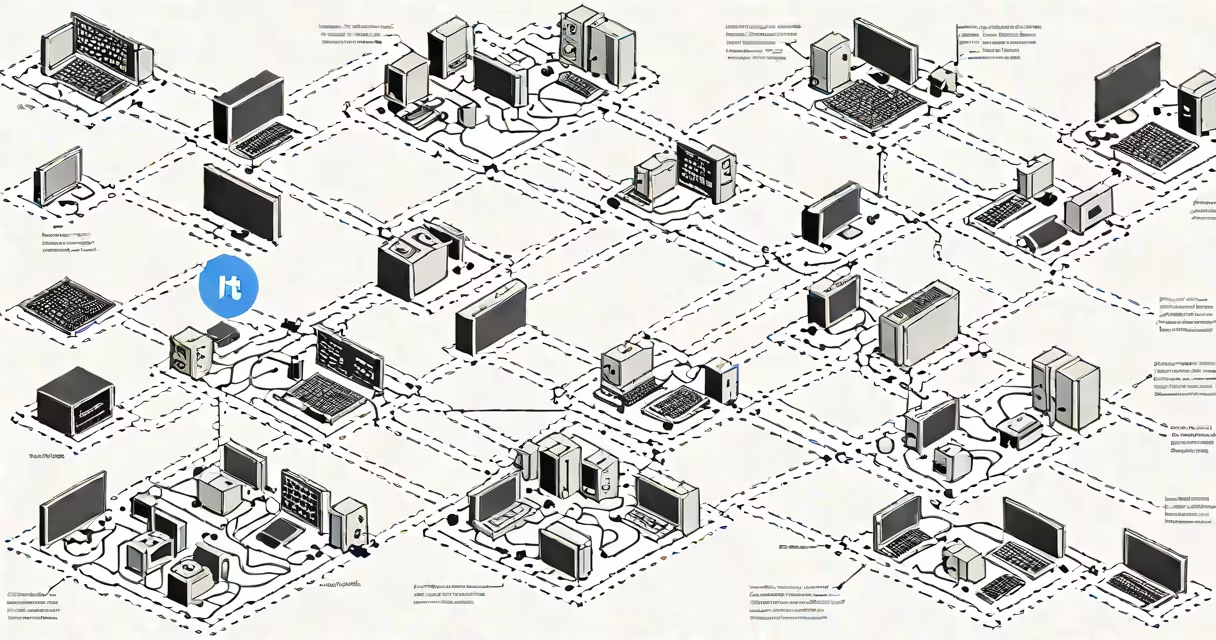
A protocol in computing is a standardized set of rules that govern how devices communicate over a network. These rules define message formats, timing, error handling, and data flow between systems. Protocols ensure consistent, predictable interactions regardless of hardware or software differences.
Without protocols, devices would send data in incompatible formats, leading to garbled messages or failed connections. They act as shared languages-like agreed-upon grammar and vocabulary-so computers, phones, and servers can exchange information reliably.
For example, when you load a webpage, your browser uses the Hypertext Transfer Protocol (HTTP) to request data from a server. The server responds using the same protocol, ensuring both sides understand the structure of the request and reply. This exchange happens smoothly because both follow the same specification.
Protocols operate through layered models, most commonly the TCP/IP model. This divides communication into four layers: application, transport, internet, and link. Each layer handles specific tasks and passes data to the next.
The application layer manages high-level interactions-like web browsing via HTTP or email via SMTP. The transport layer ensures data arrives intact and in order, using protocols such as Transmission Control Protocol (TCP). The internet layer routes packets across networks using Internet Protocol (IP). Finally, the link layer transmits raw bits over physical media like Ethernet cables or Wi-Fi.
Each layer adds headers to data packets. When a file is sent, the application layer wraps it in an HTTP header, the transport layer adds a TCP header, the internet layer appends an IP header, and the link layer includes MAC addresses. This layered encapsulation allows each system to interpret only the relevant layer's instructions.
Protocols fall into categories based on function. Here are key examples:
| Type | Examples | Function |
|---|---|---|
| Application Layer | HTTP, HTTPS, FTP, SMTP | Manages user-facing services like web pages, file transfers, and email. |
| Transport Layer | TCP, UDP | Controls data delivery-TCP ensures reliability; UDP prioritizes speed. |
| Internet Layer | IP, ICMP | Handles routing and addressing across networks. |
| Link Layer | Ethernet, Wi-Fi (802.11), PPP | Transmits data over physical connections. |
HTTP is used to fetch web pages. When you enter a URL, your device sends an HTTP GET request to the server. The server responds with an HTTP status code (like 200 for success) and the requested content. HTTPS extends this with encryption via TLS, protecting data from interception.
TCP ensures data arrives correctly. It splits large files into smaller packets, numbers them, and reassembles them at the destination. If a packet is lost, TCP resends it. This makes it ideal for tasks like downloading software or streaming video.
UDP, by contrast, doesn't guarantee delivery. It sends packets quickly without checking for errors. This trade-off reduces latency, making UDP suitable for live video calls or online gaming where speed matters more than perfect accuracy.
Protocols underpin nearly every digital interaction. They enable everything from sending emails to streaming movies, accessing cloud storage, and running remote work tools.
In enterprise environments, protocols like SSH (Secure Shell) allow administrators to securely manage servers remotely. Without SSH, changing configurations or troubleshooting issues would require physical access-a major bottleneck.
Cloud computing and infrastructure rely heavily on protocols. When you use a service like AWS or Google Cloud, your requests travel through multiple protocols: DNS resolves domain names to IP addresses, HTTP/HTTPS handles API calls, and TCP ensures data reaches the correct virtual machine. These protocols operate behind the scenes, enabling global scalability and uptime.
Even everyday devices depend on protocols. Smart thermostats use MQTT (Message Queuing Telemetry Transport) to send temperature updates to a central hub. This lightweight protocol minimizes bandwidth use, critical for battery-powered sensors.
Many assume protocols are complex software systems. In reality, they're specifications-written documents outlining behavior. The actual implementation is done by software or firmware. For example, the HTTP/1.1 specification is a 60-page document published by the Internet Engineering Task Force (IETF). Browsers and servers implement it, but the protocol itself is a standard.
Another misunderstanding is that protocols are always secure. This is false. Early versions of protocols like HTTP lacked encryption. Data sent over HTTP can be intercepted by anyone on the same network. Modern systems now use HTTPS by default, but legacy systems still exist that transmit passwords and personal data in plaintext.
A lesser-known fact: protocols evolve. The IETF publishes new versions of standards regularly. For example, HTTP/2 introduced multiplexing-allowing multiple requests over a single connection-which reduced page load times by up to 30% compared to HTTP/1.1, according to measurements by W3C.
I once monitored a home network during a firmware update. A router running outdated firmware attempted to connect to a cloud service using an obsolete version of TLS. The server rejected the connection due to mismatched protocol requirements. After updating the router's firmware, the connection succeeded. This demonstrated how strict protocol compliance is-even minor version mismatches break communication.
A protocol in computing is a foundational element of digital communication. It enables interoperability across diverse systems, ensuring that data flows accurately and efficiently. From loading a website to managing a global data center, protocols provide the invisible structure that makes modern computing possible.