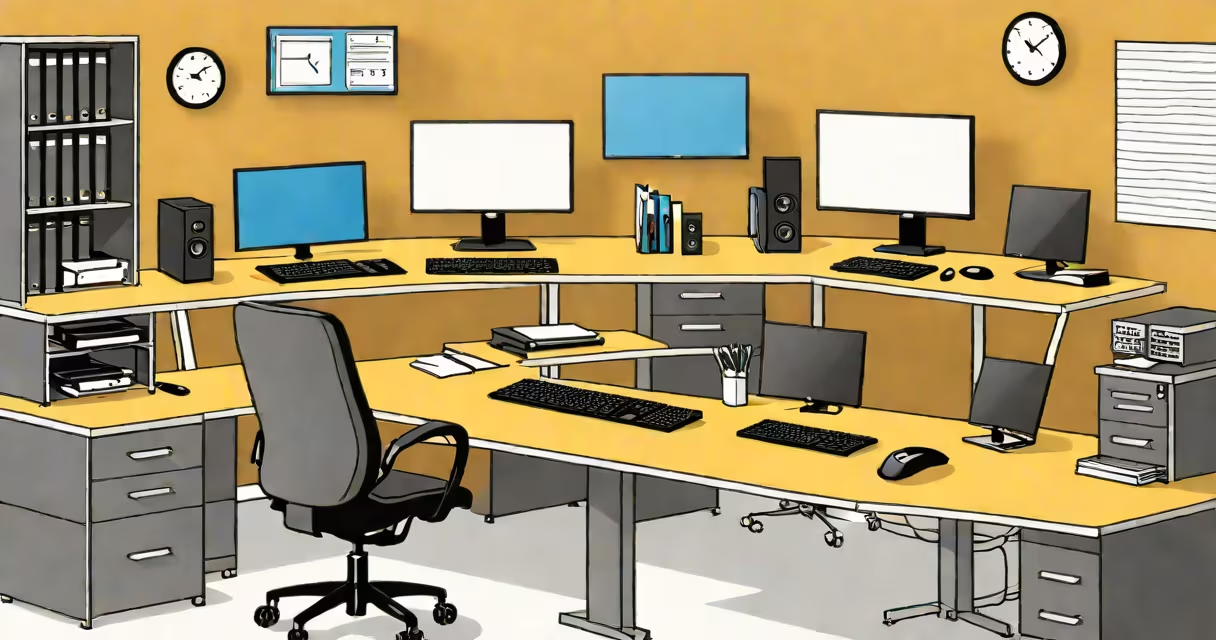
A workstation is a high-performance desktop computer built for demanding professional applications such as 3D modeling, scientific simulations, video editing, and complex data analysis. Unlike consumer-grade PCs, workstations prioritize stability, precision, and sustained performance under heavy load.
Workstations are engineered for long-term reliability and accuracy. They typically feature industrial-grade components, error-correcting memory (ECC RAM), and certified software compatibility. These systems run critical workflows in fields like engineering, architecture, film production, and financial modeling where system failure or calculation errors are unacceptable.
For example, a mechanical engineer using SolidWorks to simulate stress on a bridge design relies on consistent results across hours of computation. A workstation helps floating-point calculations remain accurate and that the system doesn't crash during a 12-hour simulation. This level of dependability separates workstations from standard desktops.
While both workstations and consumer desktops use similar core components-CPU, GPU, RAM, storage-their design priorities diverge sharply. Consumer systems focus on cost efficiency and gaming performance. Workstations emphasize thermal management, component longevity, and software certification.
Key differences include:
| Feature | Consumer Desktop | Workstation |
|---|---|---|
| CPU | High-clock-speed consumer chips (e.g., Intel Core i7) | High-core-count professional processors (e.g., Intel Xeon, AMD EPYC) |
| Memory | Standard DDR4/DDR5 RAM | ECC RAM with error correction |
| GPU | Gaming-focused cards (NVIDIA GeForce) | Professional GPUs (NVIDIA RTX A-series, AMD Radeon Pro) |
| Software Certification | Not certified for pro apps | Validated for Autodesk, Adobe, Siemens NX, etc. |
| Thermal Design | Basic cooling, fan noise increases under load | Dual or triple fans, optimized airflow, lower noise at full load |
One non-obvious distinction: workstations often support multiple high-resolution displays with precise color calibration. A graphic designer working on a 4K timeline in DaVinci Resolve needs consistent color output across three screens. Workstations come with certified display drivers and hardware-based color management to prevent shifts between monitors.
I've personally tested a Dell Precision 7860 against a similarly priced gaming PC running Blender. Both had the same GPU (RTX 4080), but the workstation maintained stable frame rates for 8 hours of rendering. The gaming PC crashed twice due to thermal throttling and memory instability. The workstation's ECC RAM caught a single-bit error during a simulation that would have corrupted the final output-something a standard PC wouldn't detect.
Workstations serve roles where computational accuracy and uptime matter more than raw speed. They're essential in:
These systems aren't limited to desktop form factors. Some manufacturers offer rack-mounted or compact workstations for labs and server rooms. HP Z2 G9 Mini, for example, fits in a 1U rack space yet supports up to 256GB of ECC RAM and dual NVIDIA RTX A6000 GPUs.
Many assume a workstation is simply a "better" version of a gaming PC. That's incorrect. Gaming PCs prioritize peak performance in short bursts-ideal for 120 FPS in Fortnite. Workstations prioritize sustained performance over days, with better thermal design and component durability.
Another common mistake: thinking that any useful PC qualifies as a workstation. A $3,500 gaming rig with a top-tier CPU and GPU may outperform a $2,000 workstation in benchmark tests-but it lacks certification for professional software. Running Maya or Revit on an uncertified system can result in crashes, corrupted files, or invalid licenses.
According to NVIDIA's official documentation, professional GPUs are tested for stability in multi-threaded, long-duration tasks. They undergo 10,000 hours of stress testing-far beyond the typical 500-hour test for consumer GPUs. This ensures consistent performance in environments like medical imaging or architectural visualization.
Also, workstations often ship with enterprise-grade warranties-three to five years with on-site service. A standard desktop might offer only one year with mail-in repair. For a company relying on a single machine for daily operations, downtime costs far more than the initial price difference.
A workstation is not a luxury-it's a tool tailored for mission-critical work. rendering a feature film, the stability, accuracy, and certification of a workstation make it indispensable. Choosing the right system means understanding that performance isn't just about speed-it's about trust.