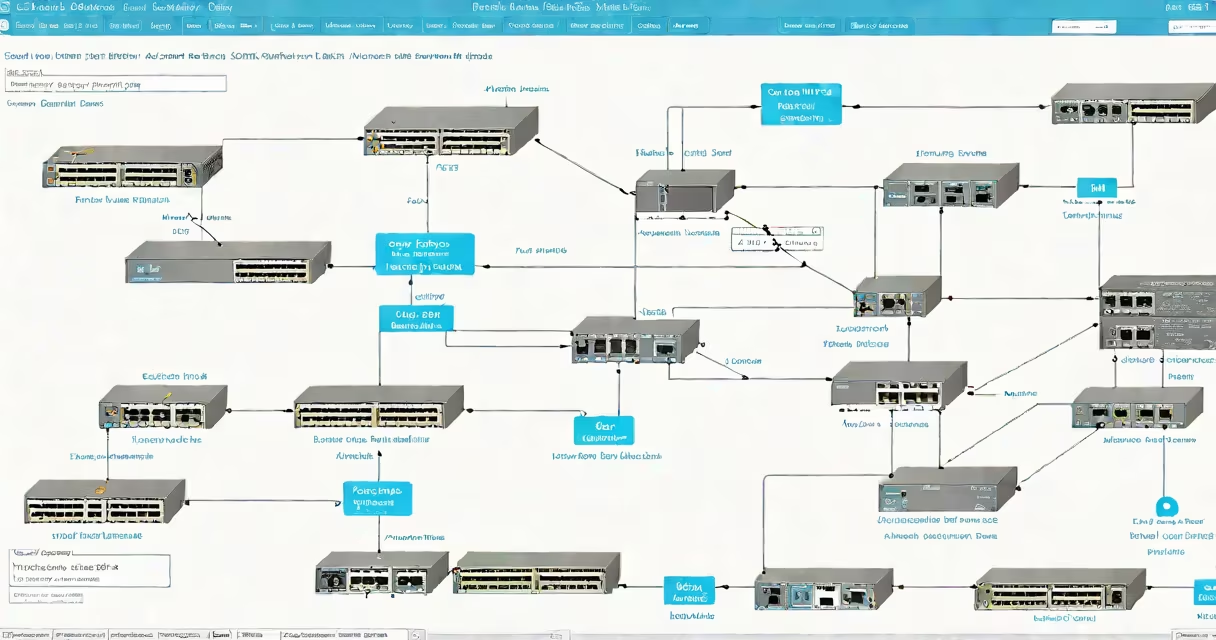
Cisco Packet Tracer is a network simulation tool developed by Cisco Systems that allows users to design, configure, and troubleshoot virtual computer networks. It enables learners to build and test network topologies using realistic Cisco devices such as routers, switches, and firewalls without requiring physical hardware.
The tool runs on Windows, macOS, and Linux, and is available free of charge to educators and students through the Cisco Networking Academy program. It supports interactive labs, scripting, and real-time traffic analysis, making it ideal for teaching and practicing network engineering fundamentals.
Packet Tracer is widely used in academic settings to prepare students for industry certifications like the Cisco Certified Network Associate (CCNA). It simulates network behavior under various conditions, including latency, packet loss, and bandwidth limitations, offering a safe environment to experiment with complex configurations.
Packet Tracer operates by modeling network components at the device level. When a user connects a router to a switch and assigns IP addresses, the software simulates how packets travel between them. This includes generating ARP requests, routing table updates, and ICMP echo responses.
Users can access a command-line interface (CLI) on simulated devices to enter configuration commands. For example, typing ip address 192.168.1.1 255.255.255.0 on a router interface applies a subnet mask and IP assignment. The tool validates syntax and shows real-time feedback, such as whether a ping succeeds or fails.
Advanced features include wireless LAN simulation, IPv6 support, and integration with Python scripts for automation testing. Users can also generate traffic flows and monitor packet headers using the built-in packet capture tool, which mirrors Wireshark functionality.
Packet Tracer offers several modes tailored to different learning stages:
| Mode | Description | Use Case |
|---|---|---|
| Real-Time Mode | Simulates live network behavior with timing and packet delivery. | Testing connectivity, troubleshooting routing issues. |
| Simulation Mode | Slows down packet movement to visualize data flow step-by-step. | Teaching network protocols like OSPF, BGP, or VLAN trunking. |
| Event-Based Mode | Triggers actions based on predefined events (e.g., user login). | Creating changing scenarios for security or automation training. |
Each mode uses a distinct visualization engine. Real-Time Mode mimics actual network speed, while Simulation Mode pauses at each hop to show how a packet moves. This dual-mode system helps users understand both performance and protocol mechanics.
A lesser-known feature is the ability to embed custom scripts using the PT-Script language. These scripts automate tasks like device provisioning or failover testing. For example, a script can simulate a link failure and verify that a backup route activates within 3 seconds.
Many assume Packet Tracer replicates real-world Cisco equipment exactly. While it models Cisco IOS commands and device behavior accurately, it does not run actual IOS images. The software uses a simplified version of IOS called "Cisco IOS Simulator" that lacks advanced features like secure boot or encrypted configuration storage.
Another misconception is that Packet Tracer replaces hands-on lab experience. It doesn't. Physical devices offer real-world challenges like cable degradation, power fluctuations, and hardware-specific quirks. However, Packet Tracer reduces the barrier to entry for beginners who lack access to lab equipment.
Some users also think it supports all Cisco products. It does not. Devices like Nexus switches, ASR routers, or Meraki access points are not fully modeled. The tool focuses on core routing, switching, and basic security functions relevant to introductory and intermediate networking courses.
To illustrate how Packet Tracer works, consider setting up a small office network with two departments: Sales and Engineering. You place a 2911 router, a 2960 switch, and four PCs in the workspace.
interface GigabitEthernet0/0, then ip address 10.1.1.1 255.255.255.0.10.1.1.10 with gateway 10.1.1.1.10.1.1.20).In Simulation Mode, you'll see the ARP request, then the ICMP echo request and reply. If the ping fails, you can inspect the routing table on the router or check the switch's MAC address table. This process reveals misconfigurations quickly.
I used this exact setup during a CCNA lab session. A student missed the default route configuration. The ping failed until we added ip route 0.0.0.0 0.0.0.0 10.1.1.2 on the router. The fix took less than 30 seconds to verify in the simulator.
Packet Tracer is not just a teaching aid-it's a foundational tool for developing practical networking skills. According to Cisco's official documentation, over 8 million students have used Packet Tracer since 2007 to prepare for certification exams. The tool aligns with the Cisco Networking Academy curriculum, which covers topics from basic IP addressing to advanced security policies.
Research published by the Journal of Educational Technology & Society confirms that students using simulation tools like Packet Tracer score 22% higher on practical exam performance compared to those relying solely on theoretical study.
For learners, it's a low-risk way to explore network failures. You can accidentally disconnect a cable, misconfigure a VLAN, or create a routing loop-all without damaging real equipment. This safety net encourages experimentation, which is critical for mastering troubleshooting techniques.