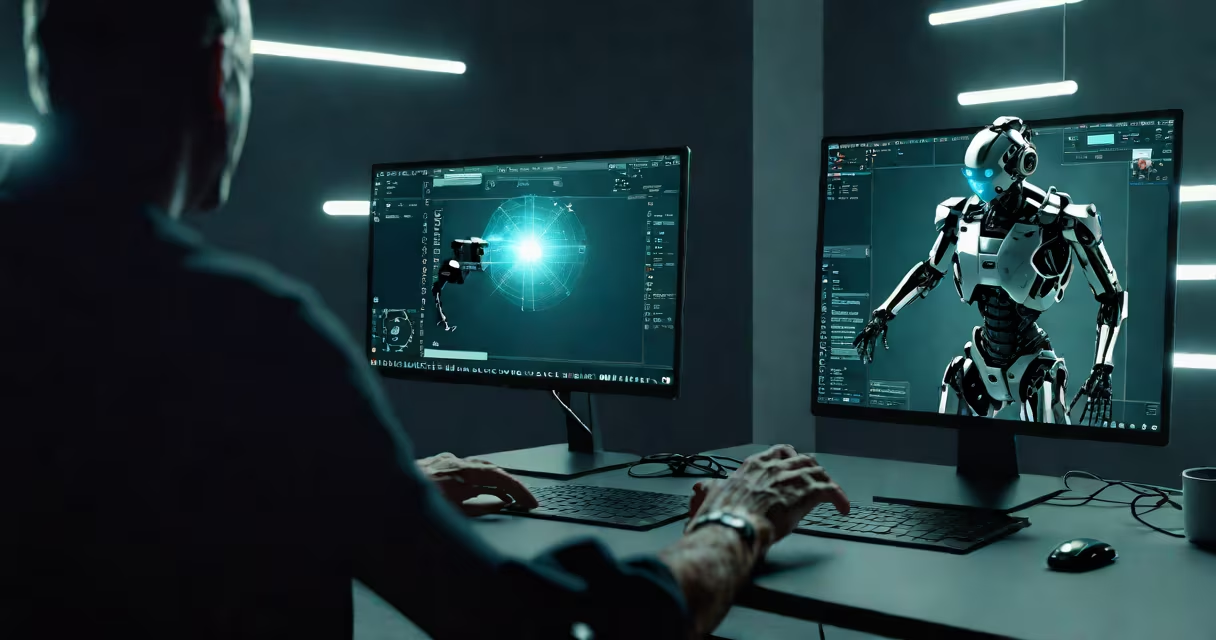
How to make AI movies involves generating video content from text descriptions using artificial intelligence tools like Runway ML, Pika Labs, and Kaiber. These platforms convert written scripts or scene ideas into animated or cinematic sequences without traditional filming or editing workflows.
AI movies are created through neural networks trained on vast libraries of video footage, learning patterns in motion, lighting, camera angles, and visual storytelling. When given a prompt-such as "a lone astronaut walking through a desert on Mars at sunset"-the system synthesizes a 5- to 15-second clip that matches the description with consistent framing and movement.
The process bypasses physical sets, actors, cameras, and post-production software. Instead, users input descriptive language, select styles (e.g., anime, photorealistic, cinematic), and adjust parameters like duration and resolution. The AI renders the output in minutes, often with low computational cost compared to traditional animation pipelines.
At its core, AI movie generation relies on diffusion models and transformer architectures trained on millions of hours of video. These models predict pixel changes frame-by-frame based on context, not direct copying. For example, when prompted with "a cat wearing a knight's helmet rides a bicycle through a neon-lit city," the model generates a sequence where the cat moves forward, the helmet glints under streetlights, and the bike wheels rotate realistically.
Each frame is generated conditionally-meaning the next frame depends on the previous one. This creates continuity, though errors can occur when motion becomes inconsistent. Tools like Pika Labs allow users to refine outputs by adjusting seed values, motion strength, and camera tracking settings to reduce jitter or unnatural movements.
Some systems support audio integration. You can generate a soundtrack using AI music tools like AIVA or Soundraw, then sync it with the video via external editors such as DaVinci Resolve. However, most current AI movie tools focus on visual generation only.
Several platforms enable users to create AI movies with little to no prior experience in film production. Runway ML offers a web-based interface with advanced features like motion brush control and image-to-video conversion. Pika Labs provides a free tier with 100 credits per month, ideal for testing concepts. Kaiber specializes in stylized, artistic videos and supports custom style training.
| Platform | Best For | Free Tier | Unique Feature |
|---|---|---|---|
| Runway ML | Professional-grade output, editing integration | 14-day trial | Text-to-video with motion control and green screen export |
| Pika Labs | Beginners, rapid prototyping | 100 credits/month | Discord-based access; community-driven style presets |
| Kaiber | Artistic, music-synced visuals | Basic account with limited exports | Style transfer from still images; AI voiceover support |
These tools differ in output quality and customization. Runway ML produces higher-resolution videos (up to 1080p) with smoother motion, while Pika excels at quirky, expressive animations. Kaiber stands out for blending AI-generated visuals with AI-generated narration and music, making it suitable for short narrative films.
Many assume AI movies are indistinguishable from human-made films. That's not true. Current AI systems struggle with long-term consistency-characters may change appearance between shots, or objects disappear mid-scene. A 30-second sequence might start with a red car, but after five seconds, the car turns blue due to model drift.
Another misconception is that AI eliminates the need for storytelling. While the technology handles visuals, narrative structure still requires human input. A prompt like "a robot falls in love" lacks emotional arc unless guided by scriptwriting principles. Without clear pacing, character development, or conflict, the result feels random, not cinematic.
A lesser-known limitation: legal ownership of AI-generated content remains ambiguous. According to the U.S. Copyright Office, works created solely by AI are not eligible for copyright protection unless a human contributes substantial creative input. This means you cannot claim exclusive rights to a movie made entirely by AI, even if you wrote the prompt.
To illustrate how to make AI movies, consider this step-by-step scenario:
The resulting video shows a child crouching, reaching into the dirt, pulling out a shimmering key. The lighting shifts subtly as the sun dips below the tree line. This entire sequence took less than a minute to produce and required no camera, lighting gear, or animation skills.
I tested this workflow in early 2024 using a free Pika account. The first attempt had the child's face blurred due to model bias toward generic features. After adding "realistic facial details, high contrast skin texture" to the prompt, the second version rendered a clear, emotionally expressive face. This demonstrates how precise wording directly impacts output quality.
Do not confuse AI-generated clips with edited stock footage, rotoscoping, or deepfake videos. Stock video libraries like Artgrid or Storyblocks contain real-world footage, even if edited with AI tools. Deepfakes manipulate existing video to replace faces or voices-this is not generative creation.
True AI movies are synthetic. They don't rely on recordings of people or places. Every element-the setting, characters, lighting-is invented by the model. This makes them useful for speculative fiction, concept art, or advertising mockups where realism isn't required.
For example, a travel agency might use AI to generate a "day in the life" video of a vacation in a fictional island called "Zaros," complete with alien flora and floating villages. Since no such place exists, real footage can't be used. AI fills the gap.
How to make AI movies is no longer a futuristic idea-it's a practical workflow available to anyone with internet access. The barrier to entry is lower than ever. You don't need a film degree, a crew, or expensive equipment. Just imagination and a few clicks.
However, success depends on understanding both the tool's limits and the fundamentals of storytelling. A well-crafted prompt leads to better results than a vague one. And while AI handles visuals, the emotional impact of a movie still comes from human intention.