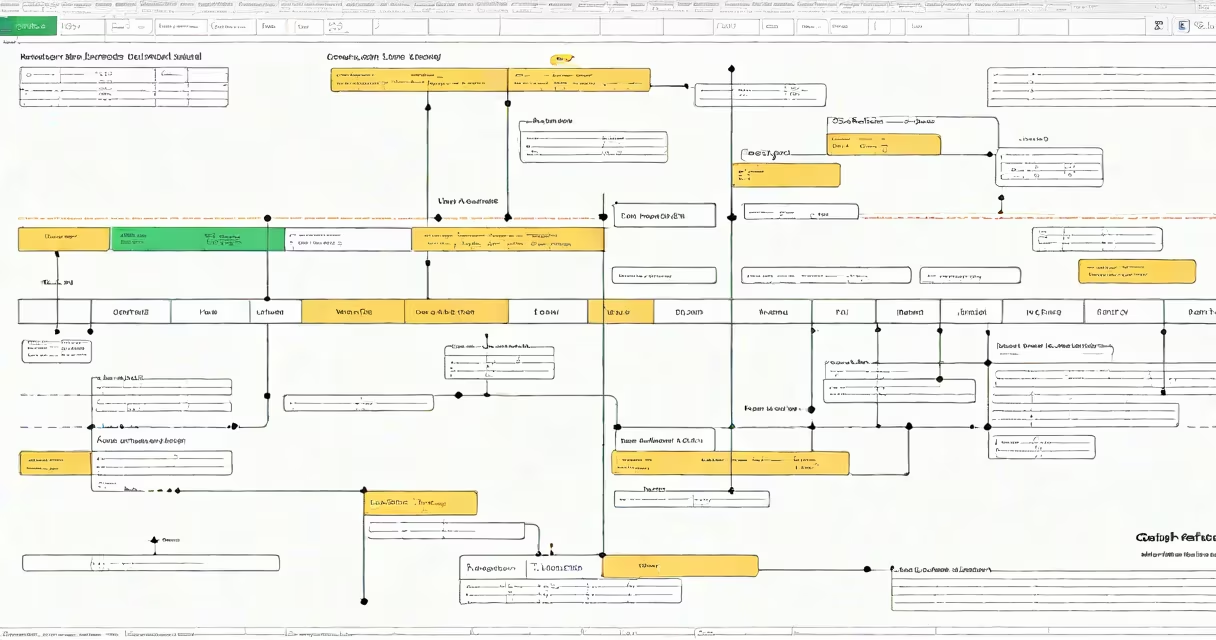
A roadmap template in Google Sheets is a structured spreadsheet that maps out project goals, key milestones, timelines, and responsibilities using rows, columns, and conditional formatting. It serves as a visual plan for tracking progress across phases, typically spanning weeks to quarters.
These templates use date columns, status indicators, and color coding to show task progression. They're built with formulas like IF, DATE, and NETWORKDAYS to calculate durations and show overdue items. Most include predefined sections for objectives, deliverables, owners, and dependencies.
Google Sheets' real-time collaboration and mobile access make it ideal for remote teams. Unlike static PDF roadmaps, changes update instantly across devices. The free version supports up to 5 million cells, enough for large-scale projects.
Each row represents a phase or milestone. Columns define start and end dates, status (e.g., Not Started, In Progress, Complete), owner, and notes. Conditional formatting applies color codes based on date ranges-red for overdue, yellow for approaching, green for on track.
Formulas automate updates. For example, =IF(TODAY()>E2,"Overdue","On Track") checks if the current date exceeds a deadline in column E. This eliminates manual tracking errors common in paper-based plans.
Sharing settings allow team members to view or edit specific sections. Permissions can be set to restrict editing to leads while others see only read access.
Three core types exist: strategic, operational, and agile roadmaps. Strategic templates focus on long-term vision-quarterly goals, product launches, or market expansion. Operational templates track weekly execution-content calendars, software releases, or event planning. Agile templates support sprints, with biweekly cycles and backlog prioritization.
| Type | Use Case | Duration | Key Features |
|---|---|---|---|
| Strategic | Product development, annual planning | 6-24 months | Quarterly goals, KPIs, executive review |
| Operational | Marketing campaigns, event coordination | 1-12 weeks | Task assignments, daily check-ins, resource allocation |
| Agile | Sprint planning, software builds | 2-4 weeks | Backlog, sprint goals, burndown charts |
Most templates include a Gantt-style bar chart created via the CHART function. You can embed it directly in the sheet or export it as a PNG. Some versions use QUERY functions to pull data from other tabs, such as budget trackers or risk logs.
Product managers use roadmap templates to align engineering, design, and marketing teams around feature rollouts. A SaaS company launching a new dashboard might assign ownership to a UX designer, set a beta test window from June 10 to June 24, and mark completion when QA signs off.
Non-profits use them to track grant-funded initiatives. One organization mapped a literacy program across five schools, assigning staff to monthly training sessions and setting benchmarks for student reading levels. The template helped identify delays early-two schools missed the May 15 kickoff due to teacher scheduling conflicts.
According to Google's internal documentation, shared Sheets files with embedded charts see 40% higher engagement than standalone documents. Teams report faster decision-making when timelines are visible to all stakeholders.
Many assume roadmap templates require advanced Excel skills. In reality, most are built with drag-and-drop tools. Templates from Google Workspace Marketplace offer one-click setup. No formulas needed-just enter dates and names.
Another error: treating roadmaps as fixed plans. The best templates include revision dates and "as of" fields. When priorities shift, updating the plan doesn't erase history-it creates a new version. Version control via File > Version History lets users revert to earlier states.
Some confuse roadmap templates with simple to-do lists. A checklist lacks context-dependencies, time buffers, and cross-team alignment. A true roadmap shows interdependencies. For example, a website redesign cannot begin until legal approval is granted. The template flags this constraint with a warning cell.
A university department planned a campus-wide digital transformation. They used a project template in Google Sheets to map four phases: system audit (Jan 1-15), vendor selection (Feb 1-14), pilot rollout (Mar 1-31), and full deployment (Apr 1-30).
They assigned roles: IT lead for audits, procurement officer for vendor contracts, and faculty reps for feedback during pilots. Status columns turned red when deadlines passed. The team met weekly to review the sheet. By March 10, they had completed 87% of tasks, with only two minor delays resolved through rescheduling.
After launch, they exported the final version as a PDF and archived it. The template saved 12 hours of meeting prep compared to past planning efforts.
Start with a clean sheet. Use headers like "Phase," "Start Date," "End Date," "Owner," "Status," and "Notes." Format date columns as "Date" (not text) to enable sorting and filtering.
Set up conditional formatting rules: select the status column, go to Format > Conditional formatting, then choose "Custom formula" with =E2="Overdue" and apply red fill. Repeat for "Approaching" (yellow) and "On Track" (green).
For complex projects, link multiple sheets using VLOOKUP or IMPORTRANGE. One team imported budget data from a separate tab to auto-update cost forecasts against timeline milestones.
When sharing, avoid sending the file as an attachment. Instead, generate a shareable link with view-only access. This ensures everyone sees the latest version.
During my last project, I used a roadmap template to coordinate a regional conference. I added a "Risk" column with dropdowns: Low, Medium, High. When a speaker canceled, I changed the status to "Delayed" and added a note. The team responded within 24 hours because the issue was visible to all.
With proper structure, a roadmap template in Google Sheets becomes more than a schedule-it's a living document that drives execution, reduces miscommunication, and improves delivery outcomes.