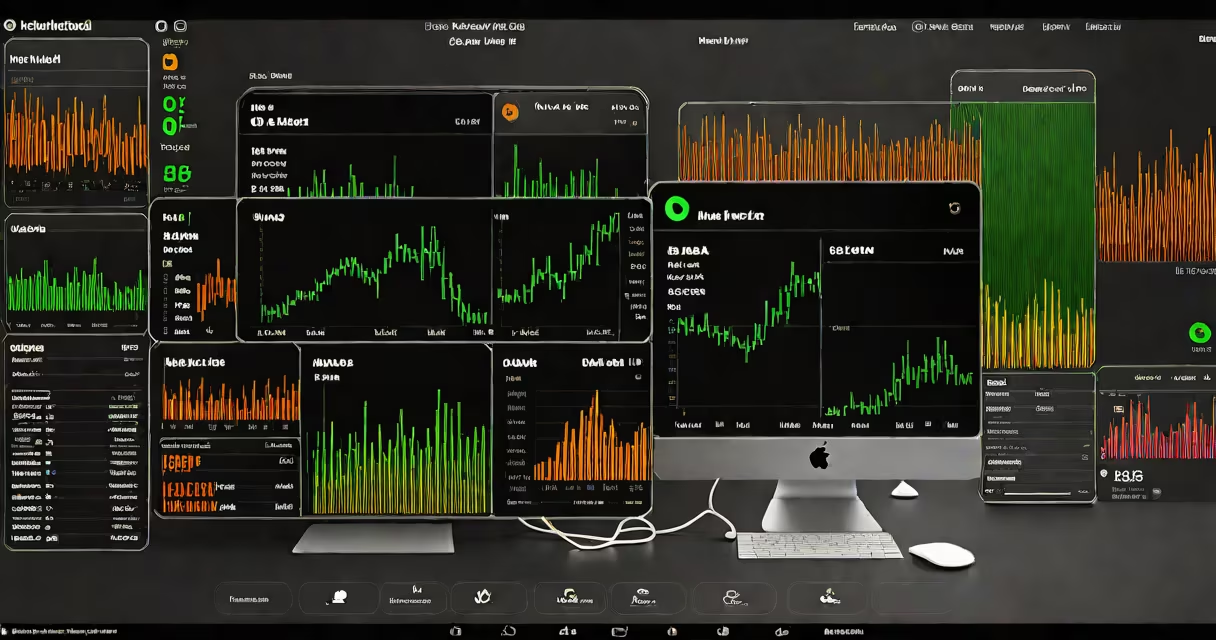
Robinhood Level 2 market data displays real-time bid and ask prices from multiple market makers, giving users a detailed view of order book depth and liquidity. This feature enables better timing and pricing decisions during trades.
Level 2 data shows the full order book for a security, listing all active buy (bid) and sell (ask) orders at various price levels. Unlike basic Level 1 data-which only shows the best bid and ask-Level 2 reveals how many shares are available at each price tier. This transparency helps traders assess supply and demand dynamics before placing orders.
Robinhood provides Level 2 data through a partnership with Nasdaq's TotalView-ITCH feed, which aggregates order flow from major exchanges and market makers. The data updates every 100 milliseconds, meaning changes appear nearly instantaneously. This frequency allows users to react quickly to shifts in market sentiment or sudden volume spikes.
When you view Level 2 data on Robinhood, you see a list of bid prices descending from the highest to the lowest, paired with the number of shares offered at each level. On the opposite side, ask prices rise from the lowest to the highest, with corresponding volumes. The gap between the best bid and best ask is known as the spread.
For example, if you're looking at Tesla (TSLA) stock, the best bid might be $245.10 for 1,200 shares, while the best ask is $245.15 for 800 shares. Below that, you might see another bid at $245.05 for 500 shares and an ask at $245.20 for 300 shares. This layered view reveals whether large orders are being absorbed or if there's hidden liquidity.
Traders use this information to avoid slippage-losing money due to price movement during order execution. If a large sell order hits the market, the best ask may rise rapidly. Seeing the depth ahead of time lets you adjust your entry strategy or cancel a pending order.
Robinhood's Level 2 data includes real-time quotes from multiple market participants, including institutional firms and electronic market makers. It covers U.S.-listed equities and ETFs traded on major exchanges like NYSE and NASDAQ.
However, it does not include options data, futures, or international stocks. Also, Level 2 data is not available during pre-market or after-hours sessions. For those times, Robinhood defaults to Level 1 data, showing only the top bid and ask.
| Feature | Level 1 Data | Level 2 Data |
|---|---|---|
| Price visibility | Best bid and ask only | All bid and ask levels |
| Volume detail | Single volume per side | Volume at each price tier |
| Update frequency | ~1 second | ~100ms |
| Availability | Always | Regular trading hours only |
Many users assume Level 2 data is free for all Robinhood accounts. That's incorrect. Access requires a funded account and is limited to Premium subscribers. Free-tier users see only Level 1 data.
Another mistake is thinking Level 2 data predicts price direction. It doesn't. While it shows current order flow, it cannot forecast short-term movements. A wide spread or thin order book may indicate low liquidity, but it doesn't guarantee a price move.
A key distinction: Level 2 data is not the same as a "market depth" chart on other platforms. Robinhood's version is simplified and optimized for mobile viewing. It omits advanced features like order flow heatmaps or time-and-sales data, which require higher-tier subscriptions.
High-frequency traders and active day traders rely on Level 2 data to detect order imbalances. For example, if a stock shows a large cluster of bids at $100.00 but no corresponding asks above $100.10, it suggests buyers are aggressively accumulating. Conversely, stacked asks with few bids imply selling pressure.
I've used Level 2 data during earnings announcements. On one occasion, Netflix (NFLX) saw a surge in sell orders at $610.00 during pre-market. The order book showed 15,000 shares offered at that level with no matching bids. When the market opened, the price dropped 3% within five minutes. Had I seen that depth earlier, I could have exited positions before the drop.
According to the Securities and Exchange Commission (SEC), access to Level 2 data improves market efficiency by reducing information asymmetry. The SEC notes that real-time order book visibility helps prevent manipulation and supports fair pricing. SEC Market Structure Overview.
The Financial Industry Regulatory Authority (FINRA) also confirms that Level 2 data is critical for identifying potential front-running or spoofing behavior. FINRA's regulatory structure mandates that brokers provide accurate, timely data to retail investors. FINRA Level 2 Data Guide.
To enable Level 2 data on Robinhood:
You'll see a vertical list of bid and ask levels, color-coded for clarity. Bids are green, asks are red. Volume appears in parentheses next to each price.
For context, consider a trade in Microsoft (MSFT). At 10:15 AM ET, the best bid was $385.20 for 1,000 shares, and the best ask was $385.25 for 750 shares. Below that, the next bid was $385.15 for 2,000 shares, and the next ask was $385.30 for 1,200 shares. With this view, you can decide whether to place a limit order at $385.20 or wait for a deeper bid.
Level 2 data is not a substitute for fundamental analysis or risk management. But it adds precision to execution timing. If you're executing 100-share trades, seeing the full order book reduces the chance of getting filled at a less favorable price.
Understanding Robinhood Level 2 market data helps you make informed decisions. It's not about predicting the market-it's about reacting faster and more accurately to what's already happening.