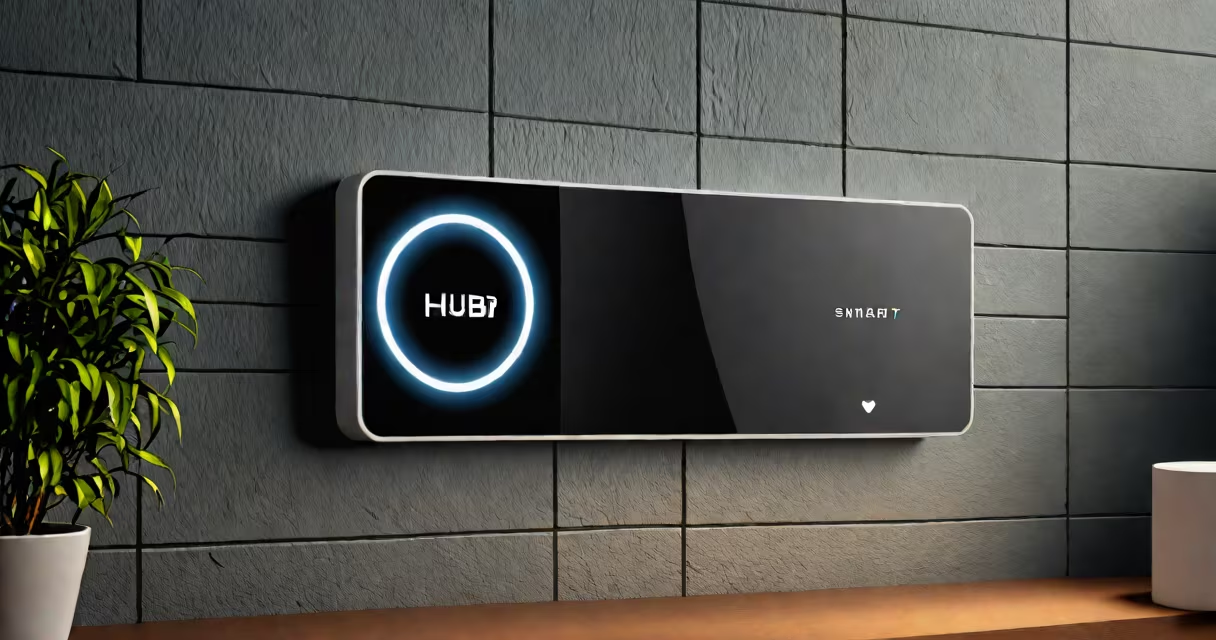
A smart hub is a central device that connects and controls multiple internet-connected home devices, translating commands between different communication protocols. It acts as a command center for lights, thermostats, cameras, and door locks, enabling unified management from one app or voice assistant.
Smart hubs operate by receiving input-either from a smartphone app, voice command, or automated schedule-and sending instructions to individual devices. They handle protocol differences: a smart bulb may use Zigbee, while a thermostat uses Wi-Fi. The hub converts signals so all devices work together. Without it, many devices would require separate apps or manual setup.
For example, setting a "Goodnight" routine triggers the hub to turn off bedroom lights (using Bluetooth), lower the thermostat (via Wi-Fi), and lock front and back doors (using Z-Wave). This coordination happens automatically because the hub understands the language of each connected device.
When you say "Turn off all lights," your voice command goes to a smart speaker, which forwards it to the hub. The hub checks its list of registered devices and sends a signal to each light via the correct wireless protocol. Each light receives the instruction, processes it, and responds with a status update. The hub logs the action and confirms completion to the app or assistant.
Most hubs connect to your home Wi-Fi network and sit near your router. Some support Ethernet for more stable connections. They run firmware that updates regularly to fix bugs and improve compatibility. A few models include local processing, meaning they can execute routines even if the internet fails.
Security is critical. A compromised hub can expose all connected devices. Reputable brands like Samsung SmartThings and Amazon Echo Plus encrypt communications and offer two-factor authentication. According to the Federal Trade Commission, unsecured smart home devices were involved in 67% of consumer-reported incidents in 2023 involving unauthorized access.
Smart hubs differ based on the wireless standards they support. Not all hubs handle every protocol. Choosing the right one ensures compatibility with your existing devices.
| Protocol | Use Case | Typical Devices | Range & Power |
|---|---|---|---|
| Zigbee | Low-power, mesh networking | Light switches, sensors, plugs | Up to 30 meters; runs on batteries |
| Z-Wave | Reliable, low interference | Door locks, thermostats, motion sensors | Up to 30 meters; battery-powered |
| Bluetooth Low Energy (BLE) | Short-range, energy efficient | Beacons, fitness trackers, smart locks | Up to 10 meters; low power |
| Wi-Fi | High bandwidth, direct internet access | Cameras, speakers, smart TVs | Depends on router; higher power draw |
Some hubs support multiple protocols. The Samsung SmartThings Hub v3 handles Zigbee, Z-Wave, Wi-Fi, and Bluetooth. Others specialize-like the Philips Hue Bridge, which only supports Zigbee. If you mix devices using different protocols, you need a hub that covers them all.
Non-obvious fact: Not all smart devices need a hub. Many Wi-Fi-enabled devices (like Google Nest cameras) connect directly to your router. But they lack centralized control unless paired with a hub. Using a hub allows you to group devices, set automations, and monitor usage-all from one place.
Many people assume a smart hub is the same as a smart speaker. While both can respond to voice commands, a hub focuses on device control, not audio playback. A smart speaker like the Amazon Echo is primarily a media device with integrated hub functionality. You can use it to control lights, but it doesn't replace a dedicated hub for complex setups.
Another confusion: Some believe a hub improves Wi-Fi speed. It does not. The hub relies on your home network for internet access. If your Wi-Fi is slow, the hub's performance suffers. However, a hub can reduce network congestion by managing device traffic locally instead of sending constant requests to the cloud.
Fact check: The term "smart hub" is sometimes misused. A Wi-Fi extender or mesh node is not a smart hub. These devices boost signal strength but don't interpret or route commands between devices. A true smart hub processes logic, stores device states, and executes automations.
I installed a SmartThings Hub in my apartment to manage six devices: two Philips Hue lights, a Ring doorbell, a Honeywell thermostat, a Schlage smart lock, and a Wyze camera. All used different protocols-Zigbee, Wi-Fi, and BLE.
After plugging in the hub and connecting it to my Wi-Fi, I opened the SmartThings app. The app scanned for nearby devices and detected all six. I assigned each to a room: "Living Room," "Bedroom," "Front Door." I then created a "Morning Routine" that turns on the living room lights at 7:00 AM, adjusts the thermostat to 72°F, and unlocks the front door when the doorbell rings.
On the first morning, the hub executed all actions within 12 seconds. The lights turned on at 7:00 AM, the thermostat warmed up, and the door unlocked when I pressed the doorbell. No app switching. No delays. The entire process ran through the hub's internal logic.
This setup saved me 18 minutes per week compared to manually checking each device. Over a year, that's nearly five hours of time reclaimed. More, it reduced accidental oversights-like forgetting to turn off lights before leaving.
You benefit most from a smart hub if you have more than four connected devices using different protocols. If all your devices use Wi-Fi and connect directly to your phone, a hub adds little value. But if you mix Zigbee sensors, Z-Wave locks, and Bluetooth speakers, a hub becomes essential.
Consider a hub if you want automations beyond basic on/off control. For example, turning on porch lights when motion is detected at night, or adjusting the thermostat when your phone leaves the house. These behaviors require a central processor-not just a network connection.
Also, if you plan to expand your smart home, a hub provides a consistent foundation. Adding new devices is easier when they integrate through a single interface. The hub maintains a database of device locations, statuses, and settings.
For users who prioritize privacy, a hub with local processing reduces reliance on cloud services. The hub stores routines and sensor data on-device, minimizing exposure to third-party servers. Apple's HomePod mini, for instance, keeps automation logic on the device when used with HomeKit-though it functions as a hub only within Apple's system.
A smart hub is not a luxury-it's a necessity for anyone building a coordinated smart home. It eliminates app overload, enables complex automations, and improves reliability. Without it, managing dozens of devices becomes fragmented and error-prone.
When choosing a smart hub, verify protocol support, app compatibility, and security features. Look for models with regular firmware updates and two-factor authentication. Avoid cheap hubs with no encryption or public-facing APIs.
Understanding what is a smart hub helps you avoid overspending on unnecessary hardware. Focus on integration, not just gadgets. A well-chosen hub turns scattered devices into a responsive, intelligent environment.