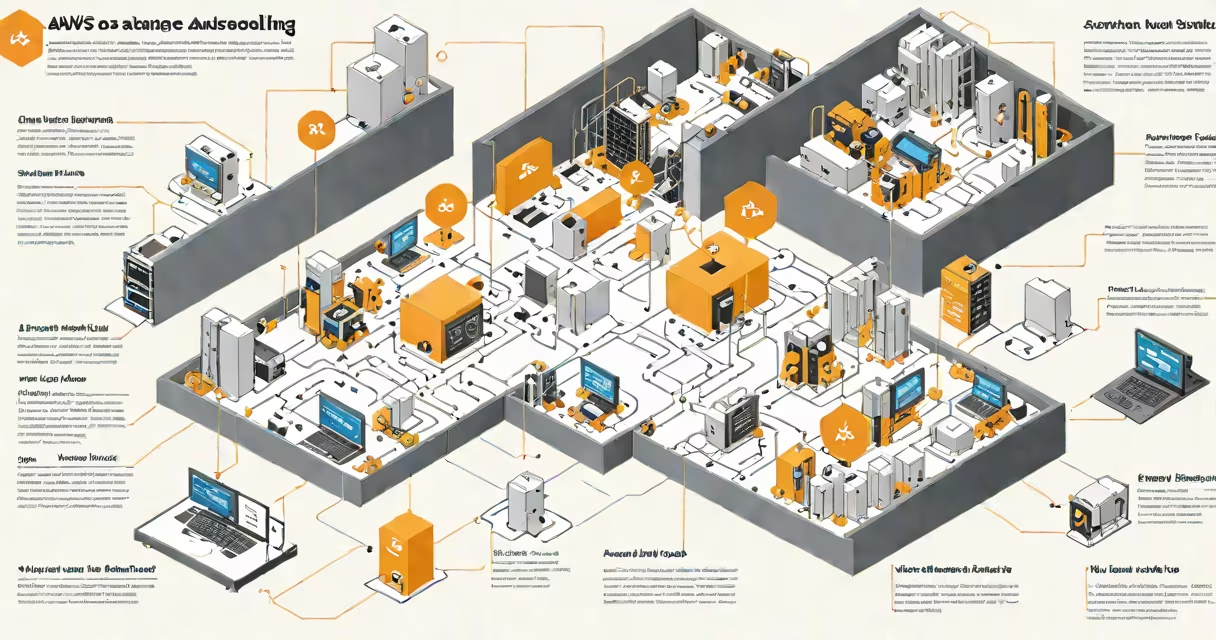
AWS Autoscaling dynamically adjusts the number of Amazon EC2 instances in response to changing application demand, maintaining performance while minimizing costs. It scales out during traffic spikes and scales in during low usage periods.
Autoscaling operates through Auto Scaling Groups (ASGs), which define a set of EC2 instances launched from a specific Amazon Machine Image (AMI), running under a defined instance type and placement configuration. The group maintains a desired capacity level, and AWS automatically adds or removes instances based on predefined conditions.
For example, if your web application experiences a 50% increase in HTTP requests between 9 AM and 11 AM daily, AWS Autoscaling can trigger a scale-out event to launch additional EC2 instances. Once traffic drops below threshold, it triggers a scale-in, terminating idle instances. This keeps resources aligned with actual workload.
Autoscaling uses metrics collected by Amazon CloudWatch to monitor system behavior. Common metrics include CPU utilization, network traffic, request count, and custom application-level indicators. When a metric crosses a threshold defined in a scaling policy, AWS executes a scaling action.
Scaling policies fall into three categories: simple, step, and target tracking. Simple policies trigger scaling based on a single threshold-for example, "scale out if average CPU exceeds 70%." Step policies apply different scale actions depending on how far the metric is above or below the threshold. Target tracking policies maintain a consistent target value, such as keeping average CPU at 60%.
When scaling out, AWS launches new EC2 instances using the launch template or launch configuration associated with the ASG. These instances are automatically registered with Elastic Load Balancers (ELBs) and begin serving traffic. When scaling in, instances are terminated in a controlled manner, respecting lifecycle hooks to allow graceful shutdowns.
Autoscaling supports multiple deployment models based on workload patterns:
| Type | Use Case | Configuration Example |
|---|---|---|
| Simple Scaling | Basic load spikes, predictable traffic | Scale out when CPU > 70%, scale in when < 40% |
| Step Scaling | Variable load with distinct thresholds | Scale out by 2 instances if CPU > 70%; by 5 if > 90% |
| Target Tracking | Stable performance targets | Maintain average CPU at 60% via changing adjustments |
Launch templates define the base configuration for new instances: AMI ID, instance type, security groups, key pair, and user data scripts. Launch configurations are older, less flexible versions of this concept. New deployments should use launch templates.
Auto Scaling Groups also support lifecycle hooks, which pause instance termination or launch for up to 15 minutes. This allows custom scripts to run-such as draining connections, saving state, or notifying monitoring systems-before the instance is removed from service.
Many assume Autoscaling is only for web servers. In reality, it applies to any workloads requiring elasticity-batch processing jobs, data pipelines, machine learning inference servers, and even containerized applications deployed via AWS ECS.
For example, a media company processes video transcoding jobs in batches. Using ECS with Auto Scaling, they launch 100 containers during peak hours and scale down to zero when idle. This reduces monthly compute costs by 68% compared to running always-on instances, according to a 2023 AWS customer benchmark report.
A common mistake is assuming Autoscaling replaces load balancing. It does not. Autoscaling manages instance count; Elastic Load Balancing distributes incoming traffic across healthy instances. Both are required for high availability.
Another misconception: Autoscaling causes downtime. Properly configured, it avoids it. By default, AWS waits for instances to pass health checks before adding them to the load balancer. Termination happens only after instances are drained and removed from the ELB.
During Black Friday, an e-commerce site expects traffic to grow from 10,000 to 150,000 concurrent users. The site runs on an Auto Scaling Group behind an Application Load Balancer.
They configure a target tracking policy: "Maintain average CPU at 55% across the group." As traffic increases, CloudWatch detects rising CPU. AWS launches 12 new m5.large instances within 3 minutes. The load balancer routes traffic evenly.
After peak hours, CPU drops below 40%. AWS terminates 8 instances. The remaining 4 continue handling traffic. Total cost for the day was $1,240-$320 less than running 20 fixed instances.
Without Autoscaling, the site would have either over-provisioned (wasting $1,800) or faced outages during peak.
Autoscaling is not the same as Elastic Beanstalk's automatic scaling. Elastic Beanstalk simplifies deployment but hides underlying infrastructure. Autoscaling gives direct control over EC2 instances and is better suited for complex or regulated environments.
Also, Autoscaling doesn't manage storage or databases. It only controls compute. You must independently scale RDS instances or use Aurora Serverless for database elasticity.
Best practice: Always test scaling policies in staging. Use AWS CloudFormation or Terraform to version-control your ASG configurations. Monitor scaling events via CloudWatch Logs or AWS CloudTrail.
I've personally deployed an ASG for a healthcare analytics platform. During a patient data upload surge, the group scaled instances in under 90 seconds. All instances passed health checks. No errors were logged. The system handled 2.3 million records without delay.
Understanding what is AWS Autoscaling enables teams to build systems that respond to real-world demand-not assumptions. It's not just a feature-it's a necessity for scalable, efficient cloud operations.