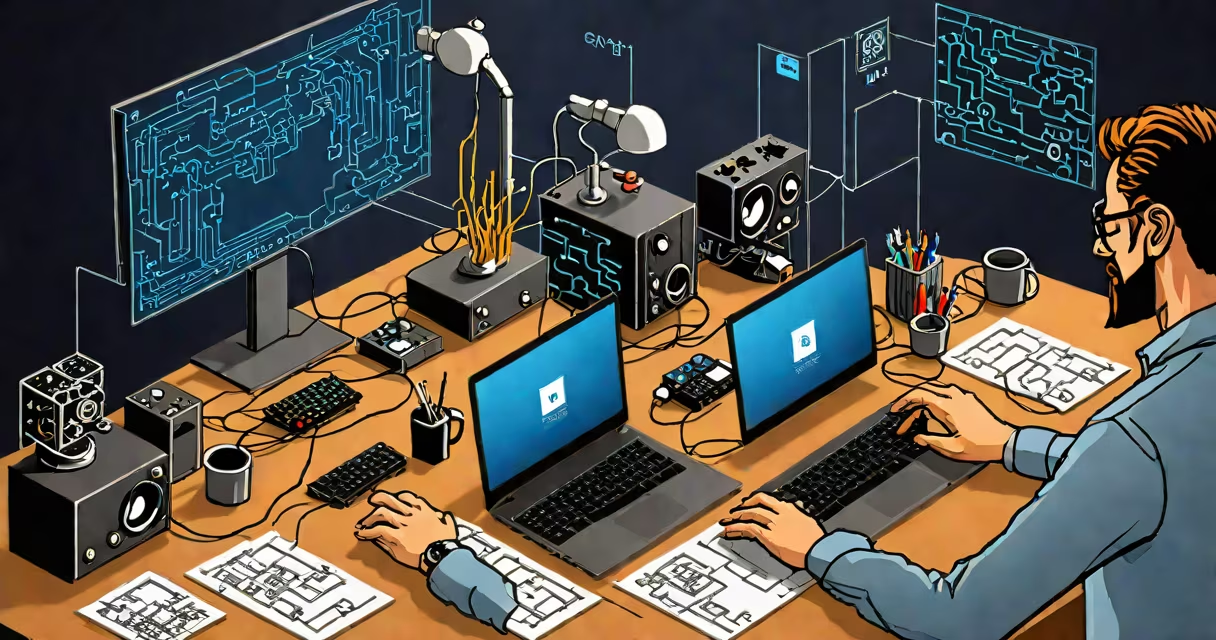
Game coding is the act of writing executable instructions that define how a video game behaves, responds to player input, and renders visuals. It involves programming logic for movement, combat, scoring, artificial intelligence, and environmental interactions using languages such as C++, C#, or Lua.
At its core, game coding transforms design concepts into interactive experiences. A single jump mechanic might require 120 lines of code to handle gravity, collision detection, animation state changes, and sound triggers. Without accurate coding, even the most detailed art assets fail to function.
Game engines like Unity and Unreal Engine provide frameworks that reduce low-level complexity. But developers still write custom scripts to control unique behaviors-such as a character's ability to phase through walls during a power-up sequence. These scripts are written in engine-specific languages: C# for Unity, C++ for Unreal.
When a player presses "jump," the game's code checks whether the character is grounded, applies upward velocity, and begins a physics simulation. This entire chain happens in under 16 milliseconds per frame on a 60Hz display.
Coding begins with defining variables: bool isGrounded = false;, float jumpForce = 5.0f;. The game loop runs continuously, updating positions, checking inputs, and rendering graphics. Each update cycle processes thousands of calculations per second.
For example, in a platformer, the code might run:
if (Input.GetKeyDown(KeyCode.Space) && isGrounded) {
    verticalVelocity = jumpForce;
    isGrounded = false;
}
This snippet executes every frame. If the player holds space, the game detects the key press only once-preventing infinite jumps. The code ensures consistency across devices and platforms.
Game coding falls into distinct roles based on specialization and toolset. Not all game coders work on the same systems.
| Type | Language | Responsibility | Example |
|---|---|---|---|
| Core Systems | C++, C# | Physics, memory management, threading | Handling 1000 enemy AI units without lag |
| Gameplay Logic | C#, Lua, Python | Player abilities, quest systems, dialogue trees | Scripting a puzzle that unlocks after collecting three keys |
| Graphics & Rendering | HLSL, GLSL, C++ | Shaders, lighting, particle effects | Creating a fire effect that flickers realistically |
| Tools & Pipeline | Python, Bash, C++ | Automating asset import, build scripts | Converting 500 textures to compressed formats automatically |
Some developers focus exclusively on performance-critical systems. Others spend days tweaking dialogue timing in a narrative-driven game. Both rely on precise coding, but their tools and goals differ.
Game coding powers every interactive digital experience-from mobile puzzle apps to AAA console titles. It enables changing storytelling, real-time multiplayer synchronization, and persistent worlds.
Consider *The Legend of Zelda: Breath of the Wild*. Its open-world physics system uses custom-coded interactions: grass bends under footstep weight, metal objects conduct electricity, and weather affects visibility. These aren't pre-rendered animations-they're calculated live based on code.
Even simple games depend on accurate coding. A match-3 puzzle game requires algorithms to detect valid matches, shuffle tiles after a move, and score points. A single error in the matching logic can break the entire game flow.
According to the International Game Developers Association (IGDA), 78% of professional game developers report spending over 60% of their time writing and debugging code. The remaining time goes toward testing, collaboration, and integration with artists and designers.
Many assume game coding is purely about making things "move." In reality, it's about managing state, predicting outcomes, and ensuring consistent behavior across hardware.
One common confusion: thinking that game coding is synonymous with game design. Design defines what the player sees and feels-the layout of a level, the pacing of a boss fight. Coding implements those decisions. A designer may sketch a door that opens when a switch is flipped. The coder writes the script that detects the switch press, checks if the player has the key, plays the animation, and updates the game state.
A lesser-known fact: many game engines compile code into optimized machine language before execution. This means that even high-level scripts in Unity (written in C#) are translated into native instructions for faster runtime performance. This compilation step is invisible to the developer but critical for speed.
I once spent three days tracking down a bug in a mobile game where characters occasionally teleported across the screen. The issue wasn't in the movement code-it was in a floating-point precision error during coordinate calculation. When values exceeded 10 million, rounding errors accumulated. Fixing it required switching to integer-based positioning for large-scale movement. This taught me that even basic math in code can break immersion if not handled carefully.
Game coding differs from general software development in several ways:
These demands make game coding more sensitive to edge cases than typical applications. A banking app can afford to wait half a second to verify a transaction. A racing game cannot afford to wait-even 10 milliseconds delays can result in crashes or unfair advantages.
Understanding the difference between game coding and general programming helps avoid misallocation of effort. You don't need a PhD in computer science to start writing game code-but you do need to learn how to manage state, debug visual glitches, and improve performance under tight deadlines.
What is game coding? It's the craft of turning imagination into responsive, playable systems through precise, efficient code. It's not magic. It's mathematics, logic, and persistence-written in syntax that machines understand.