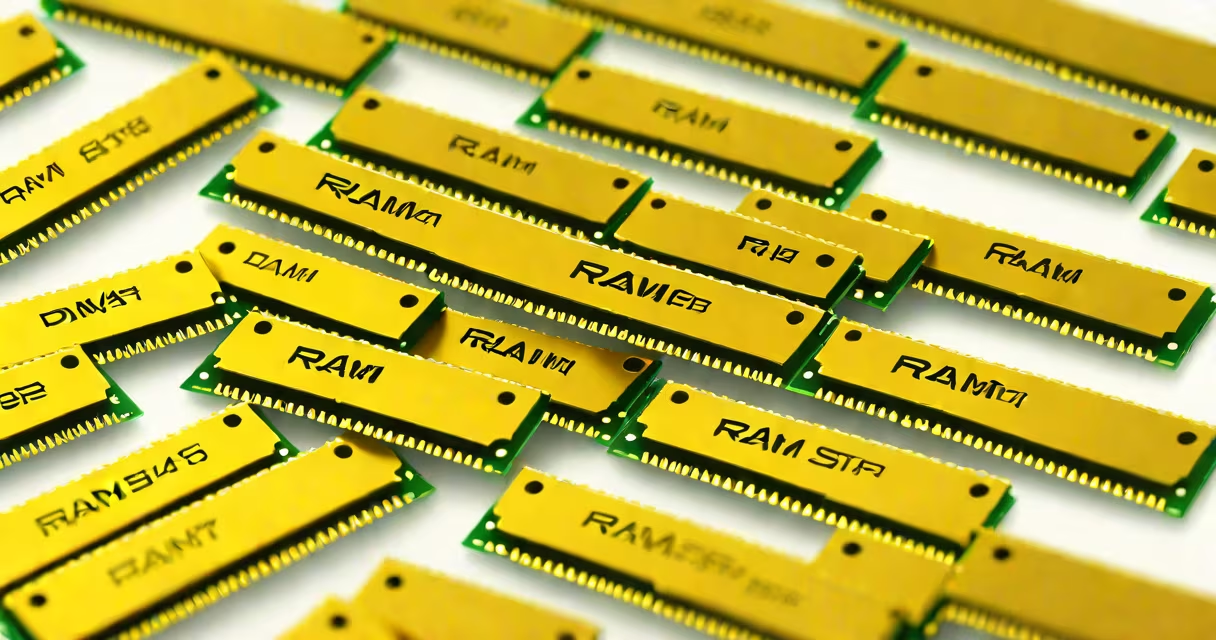
RAM sticks are small rectangular circuit boards with gold-colored edge connectors, typically 133.35 mm long and 32 mm wide, designed to fit into motherboard slots. They contain memory chips and a printed circuit board, and their appearance varies slightly between DDR4 and DDR5 standards.
Each stick has a series of gold contacts along one edge-these connect to the motherboard's DIMM slot. The rest of the surface holds integrated circuits (memory chips) arranged in rows, often covered by a thin heat spreader or thermal pad. Most consumer RAM sticks have a black or dark gray plastic casing with colored accents, such as red or blue, indicating performance profiles or RGB lighting.
DDR4 sticks feature 288 pins and a notch near the center of the connector. DDR5 sticks have 288 pins too but include a different notch position and a small metal shield around the socket area. The newer DDR5 design also places the memory controller directly on the module, improving stability and speed.
When your computer runs programs, the CPU accesses data stored in RAM. RAM sticks act as temporary storage, holding active applications and system processes. Unlike hard drives or SSDs, RAM provides instant access to data but loses everything when power is cut.
The memory chips on a stick store data in binary form-each bit is either a 0 or 1. The motherboard sends signals through the gold contacts to read or write data. Speeds are measured in megahertz (MHz), with modern DDR4 running at 2133-3600 MHz and DDR5 reaching 4800-6400 MHz.
For example, a 16GB DDR5-6000 RAM stick operates at 6000 MHz, meaning it can transfer data 6 billion times per second. This high-speed access reduces lag during multitasking, gaming, or video editing.
There are two primary types of RAM sticks used in personal computers: DDR4 and DDR5. Both come in standard DIMM (Dual In-line Memory Module) form factors, but they differ in pin layout, voltage, and performance.
| Feature | DDR4 | DDR5 |
|---|---|---|
| Standard Voltage | 1.2V | 1.1V |
| Pin Count | 288 | 288 |
| Notch Position | Centered | Offset toward one side |
| Memory Controller | On motherboard | Integrated on the RAM stick |
| Typical Speed Range | 2133-3600 MHz | 4800-6400 MHz |
Some sticks include additional features. High-performance models may have RGB lighting on the heatsink, visible when the PC case is open. Others use aluminum heat spreaders to improve thermal dissipation under heavy workloads.
Laptop RAM sticks are smaller and use SODIMM (Small Outline DIMM) form factor. These measure about 67.6 mm long and 30 mm wide-about half the size of desktop DIMMs. They're used in notebooks and compact systems.
People often confuse RAM sticks with other components. A common mistake is thinking that RAM sticks are the same as solid-state drives (SSDs). While both are internal storage devices, SSDs retain data permanently and are much slower than RAM in read/write operations.
Another confusion arises from mixing up RAM types. You cannot install DDR5 RAM in a motherboard designed for DDR4. The notch positions differ, preventing incorrect insertion. Attempting to force a stick into the wrong slot can damage both the RAM and the motherboard.
A lesser-known fact: RAM sticks don't always have visible memory chips. Some low-profile or budget models use stacked die packages hidden under a single large heat spreader. These appear as a solid block of metal with no visible individual chips.
I once replaced the RAM in my desktop after upgrading. The original DDR4-2666 sticks were 133.35 mm long, with black casings and red accents. After removing them, I noticed the gold contacts were slightly worn-this is normal after years of use.
I bought a pair of G.Skill Ripjaws V DDR4-3200 sticks. They had a matte black casing, red stitching, and a small aluminum heat spreader. When I inserted them into the motherboard, the notch aligned perfectly. The system booted normally, and Windows reported 16GB of installed memory.
Later, I tested a DDR5-6000 kit from Corsair. The new sticks had a thicker metal shield around the socket and a unique notch placement. My motherboard accepted them only after updating the BIOS to version 2.10. This highlights that even compatible RAM requires firmware support.
Desktops, laptops, servers, and gaming consoles all use RAM sticks. Desktops typically accept two to four sticks in dual-channel mode, which doubles bandwidth. Laptops usually have one or two SODIMM slots soldered onto the motherboard.
High-end systems use ECC (Error-Correcting Code) RAM, which detects and fixes data errors. These are common in servers and workstations handling financial or scientific data. ECC RAM sticks have extra memory chips for parity checks.
For example, a workstation running Adobe Premiere Pro with 32GB of DDR4 ECC RAM can render 4K video sequences faster than a system with non-ECC RAM. The error correction prevents crashes during long rendering sessions.
What do ram sticks look like? They are standardized rectangular modules with gold contacts, plastic or metal casings, and memory chips. Their appearance changes slightly between DDR4 and DDR5, and form factors differ between desktops and laptops.
Always verify compatibility before purchasing. Check your motherboard manual for supported RAM types, speeds, and maximum capacity. Using mismatched or unsupported sticks can prevent booting or cause instability.