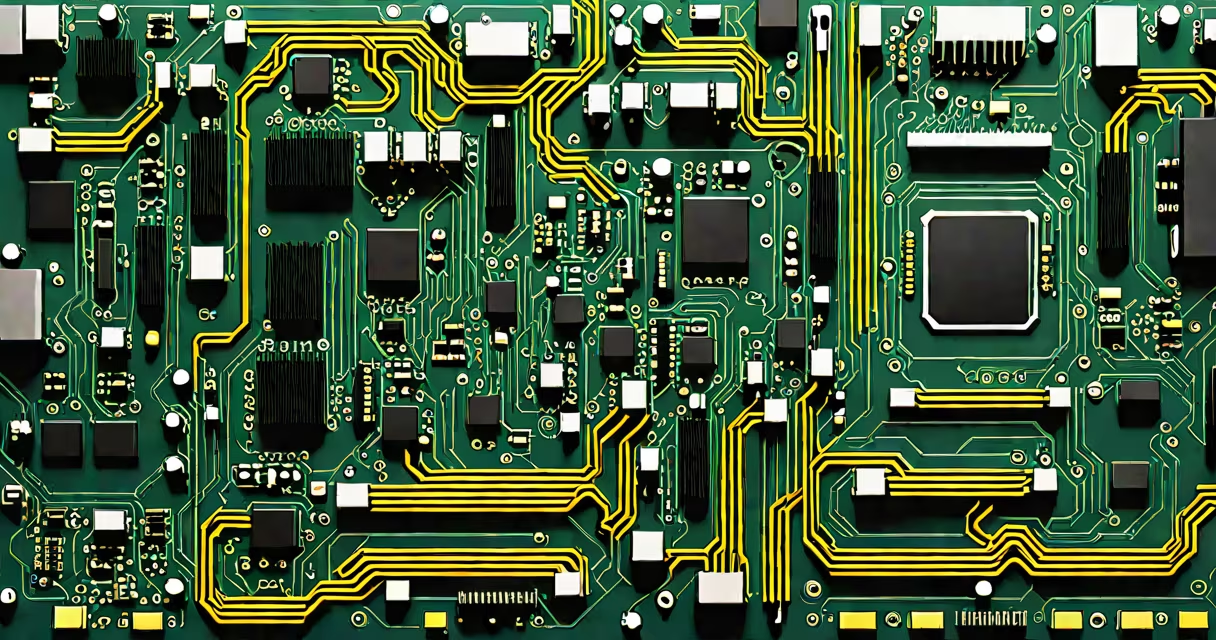
Hardware refers to the physical, tangible components of a computer or electronic system that perform functions like processing, storing, and transmitting data. These are the parts you can see and touch-chips, circuits, cables, and enclosures-not software or code.
Every digital device relies on hardware to operate. A smartphone's screen, processor, battery, and camera are all hardware. So are a desktop PC's motherboard, RAM, hard drive, and graphics card. Without hardware, software cannot run because there is no platform to execute instructions.
Hardware operates based on electrical signals. When you press a key on a keyboard, a physical switch sends a signal through wires to the CPU. The CPU processes that input and sends output to the monitor. This chain of events happens entirely through hardware interaction.
Hardware functions by converting electrical impulses into actions. For example, when you click a mouse, a microswitch inside the device registers movement and sends a pulse to the computer's USB port. The operating system interprets this as a cursor command.
Each component has a role. The central processing unit (CPU) executes instructions. Random access memory (RAM) holds active data. Storage drives (SSDs or HDDs) retain files long-term. Power supplies convert wall electricity into stable voltage for internal circuits.
These parts communicate via buses-data pathways-and standardized interfaces like PCIe, SATA, or HDMI. Without consistent protocols, hardware wouldn't work together. A GPU won't connect to a motherboard unless both support the same slot type and power delivery.
Hardware falls into categories based on function:
| Type | Examples | Function |
|---|---|---|
| Input Devices | Keyboard, mouse, touchscreen, microphone | Send data to the system |
| Processing Units | CPU, GPU, FPGA | Execute instructions and render visuals |
| Storage | SSD, HDD, USB flash drive | Persistently hold data |
| Output Devices | Monitor, speakers, printer | Display or deliver processed results |
| Networking | Network card, router, modem | Enable communication between systems |
Some hardware is embedded. A smart thermostat contains sensors, a microcontroller, and wireless radios-all hardware. Even a car's engine control unit runs on hardware designed to process sensor inputs and adjust fuel injection.
Hardware powers everything from household appliances to space missions. A medical MRI machine uses useful magnets and radio wave transmitters-both hardware-to generate images of internal organs. The machine's cooling system, control panels, and data storage units are all physical components.
In data centers, thousands of servers rely on hardware to host websites, stream video, and manage cloud services. Google's data centers use custom-designed ASICs (application-specific integrated circuits) to accelerate search queries faster than off-the-shelf CPUs.
Hardware enables automation. Industrial robots use motors, encoders, and vision sensors-all hardware-to assemble products with precision. A single malfunctioning sensor can halt an entire production line, showing how critical hardware reliability is.
People often confuse hardware with software. Software is instructions-code that tells hardware what to do. You can't install an app on a dead motherboard. Both are necessary, but they're distinct.
Another mistake is thinking all hardware is interchangeable. A DDR4 RAM module won't fit in a motherboard designed for DDR3. Mismatched voltages, pin counts, or form factors prevent installation. Motherboard manuals list supported hardware versions explicitly.
A lesser-known fact: hardware can degrade over time even if unused. Capacitors in power supplies lose charge capacity after years. A laptop left unplugged for five years may fail to boot due to dried-out electrolyte fluid in capacitors. This is called "capacitor plague" and affects older electronics.
I once repaired a 2008-era gaming PC that wouldn't start. The power supply had swollen capacitors-visible bulges on the circuit board. Replacing the PSU restored function. The issue wasn't software corruption or driver failure. It was hardware aging.
"Firmware" is often mistaken for hardware. Firmware is low-level software stored in read-only memory (ROM) on hardware. It controls basic operations like booting. A BIOS update changes firmware, not the physical chip itself.
"Peripherals" are external hardware devices. A printer is a peripheral. But the printer's internal circuit board and motor are still hardware-even if they're inside a box.
When someone says "the hardware failed," they mean a physical part stopped working. A corrupted file is a software problem. A broken fan is hardware. Distinguishing them matters for troubleshooting.
To illustrate, consider building a PC from scratch. You select:
All these components are hardware. They must be compatible-same socket type, RAM speed, PCIe version. You install them into a case, connect power, and boot the system. The OS runs on the hardware, but the hardware exists independently.
If the motherboard doesn't support the CPU's socket (LGA 1700), the system won't power on. That's not a software error-it's a hardware mismatch. The physical design prevents operation.
When someone asks "what do you mean by hardware," they're seeking clarity on the boundary between physical reality and digital abstraction. Hardware is the foundation. It's the chassis, the wires, the silicon, the fans, the switches.
Understanding hardware helps diagnose failures, choose upgrades, and build systems. It's not about programming or logic-it's about matter, electricity, and mechanical design.