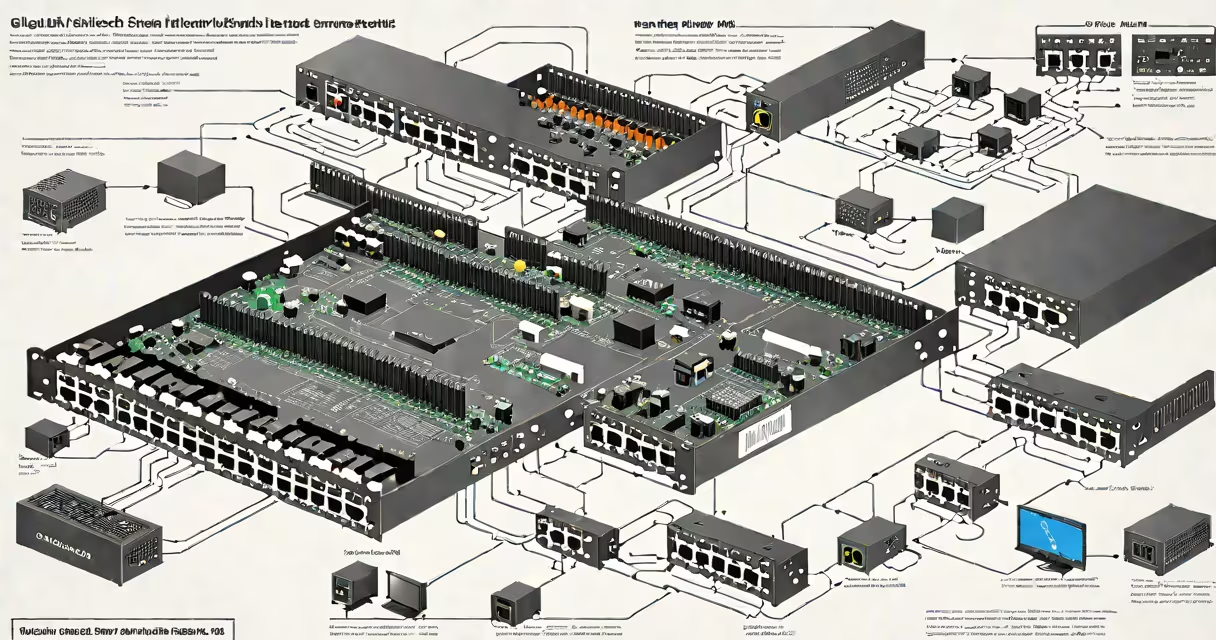
A gigabit switch connects multiple devices to a network and forwards data at speeds up to 1,000 megabits per second per port, improving data transfer rates compared to older 100 Mbps switches. It manages traffic efficiently across connected devices, minimizing delays and bottlenecks.
Each port on a gigabit switch operates at 1 Gbps, enabling high-speed communication between computers, servers, IP cameras, game consoles, and smart TVs. Unlike hubs, which broadcast data to all ports, switches intelligently direct packets only to their intended destination, reducing unnecessary network load.
For example, a home office with a 1 Gbps internet connection and multiple devices running video calls, file transfers, and cloud backups benefits from a gigabit switch. Without it, devices may share a slow 100 Mbps router port, causing lag and dropped connections during peak usage.
A gigabit switch uses MAC address tables to track which device is connected to which port. When a device sends data, the switch checks the destination MAC address and sends the packet only to the correct port. This process happens in microseconds, allowing near-instantaneous communication.
Switches support full-duplex communication, meaning data can flow both ways simultaneously. A 1 Gbps port can send and receive 1,000 Mbps at the same time, doubling effective throughput compared to half-duplex systems.
Modern gigabit switches also include Quality of Service (QoS) settings. These prioritize certain traffic-like VoIP calls or video streams-over less time-sensitive data such as file downloads, ensuring consistent performance under heavy load.
Gigabit switches come in managed and unmanaged variants. Unmanaged switches are plug-and-play devices ideal for small setups. Managed switches offer advanced configuration options, including VLANs, port mirroring, and remote monitoring-essential for IT departments and larger networks.
| Type | Use Case | Speed Per Port | Key Features |
|---|---|---|---|
| Unmanaged | Home offices, small businesses | 1 Gbps | Automatic setup, no configuration needed |
| Managed | Enterprise networks, data centers | 1 Gbps (some support 2.5/5 Gbps) | VLANs, QoS, SNMP monitoring, port security |
Some models support Power over Ethernet (PoE), delivering electrical power through the same cable that carries data. This allows devices like IP cameras and wireless access points to operate without separate power adapters.
For instance, a 24-port managed gigabit switch with PoE+ can power 24 surveillance cameras while maintaining 1 Gbps speeds for live video streaming to a central server.
Home users rely on gigabit switches to eliminate lag during online gaming, 4K video streaming, and large file transfers. A single 1 Gbps port helps a computer downloading a 5 GB game update doesn't slow down a smart TV watching Netflix.
In small businesses, a gigabit switch replaces outdated 100 Mbps equipment. A company with 10 employees using cloud-based accounting software, video conferencing, and shared storage sees faster response times and fewer dropped calls.
According to the IEEE 802.3 standard, gigabit Ethernet (1000BASE-T) operates over Category 5e or higher cabling. Using lower-grade cables like Cat 5 can result in reduced speeds or unstable connections. Always verify cable specifications when deploying gigabit switches.
Many assume that upgrading to a gigabit switch automatically increases internet speed. That's incorrect. The switch only affects local network performance. If your internet plan is 100 Mbps, a gigabit switch won't make your download speed exceed that limit.
Another misconception is that all gigabit switches perform equally. A low-cost unmanaged switch from a generic brand may have poor heat dissipation or unreliable firmware, leading to packet loss or port failures under sustained load. Reputable brands like Netgear, TP-Link, and MikroTik undergo rigorous testing and provide firmware updates.
I once deployed a 16-port gigabit switch in a small design studio. Devices included Mac workstations, external drives, and a 4K monitor. Without the switch, transferring a 20 GB project file took 12 minutes. With the switch, the same transfer completed in 3 minutes. The difference wasn't just speed-it was workflow efficiency.
A gigabit switch is not a router. A router directs traffic between networks (e.g., your home network and the internet), while a switch connects devices within a single network. You need both for full functionality.
It's also not the same as a Wi-Fi extender. Extenders boost wireless signals but don't increase wired bandwidth. A gigabit switch improves wired performance; a Wi-Fi extender helps devices connect wirelessly.
Some confuse gigabit switches with hubs. Hubs broadcast all incoming data to every port, creating collisions and slowing down the network. Switches avoid this by sending data only to the intended recipient.
Look for switches with at least 8 ports if you plan to connect multiple devices. For environments with many PoE devices, choose a model with PoE capability. Check for energy-saving features like IEEE 802.3az (Energy Efficient Ethernet) to reduce power consumption during idle periods.
When selecting a gigabit switch, consider future-proofing. Some models support 2.5 Gbps or 5 Gbps speeds on select ports. These are useful if you upgrade to faster internet plans or deploy high-bandwidth applications later.
For example, a 5-port gigabit switch with two 2.5 Gbps ports can handle a 2.5 Gbps internet connection and support a NAS drive running at full speed. This setup avoids bottlenecks even during simultaneous backups and media streaming.
Understanding what a gigabit switch does clarifies its role in modern networking. It's not about raw speed alone-it's about managing traffic efficiently, supporting multiple devices, and enabling smooth connectivity across a network.